The short answer.
Choose a method both devices support, copy the files and verify them at the destination before deleting the originals. Local sharing, an external drive and a controlled cloud link solve different situations.
Prepare the files and destination
Check the amount of data and available space on the receiving device. Close files that applications are actively editing. Keep a separate backup for important documents before starting a large move.
Decide whether you are copying ordinary files or migrating an application and its settings. Dragging an installed program folder does not normally reinstall the application. Use the software provider migration or installation instructions for that task.
Use supported nearby sharing
Windows Nearby sharing can send files between compatible Windows devices. Enable the appropriate sharing setting, choose the file sharing action and accept the transfer on the receiving computer. Confirm the recipient device rather than relying on a similar display name.
Microsoft Nearby sharing guidance covers requirements and settings. Between supported Apple devices, Apple AirDrop guidance describes the equivalent local workflow. These are different systems, not a single cross-platform protocol.
Use an external drive for a large local move
Choose a drive with enough free space and a connection supported by both computers. Check that its file system can be read and written by the relevant operating systems. Do not reformat a drive containing needed files without a verified backup.
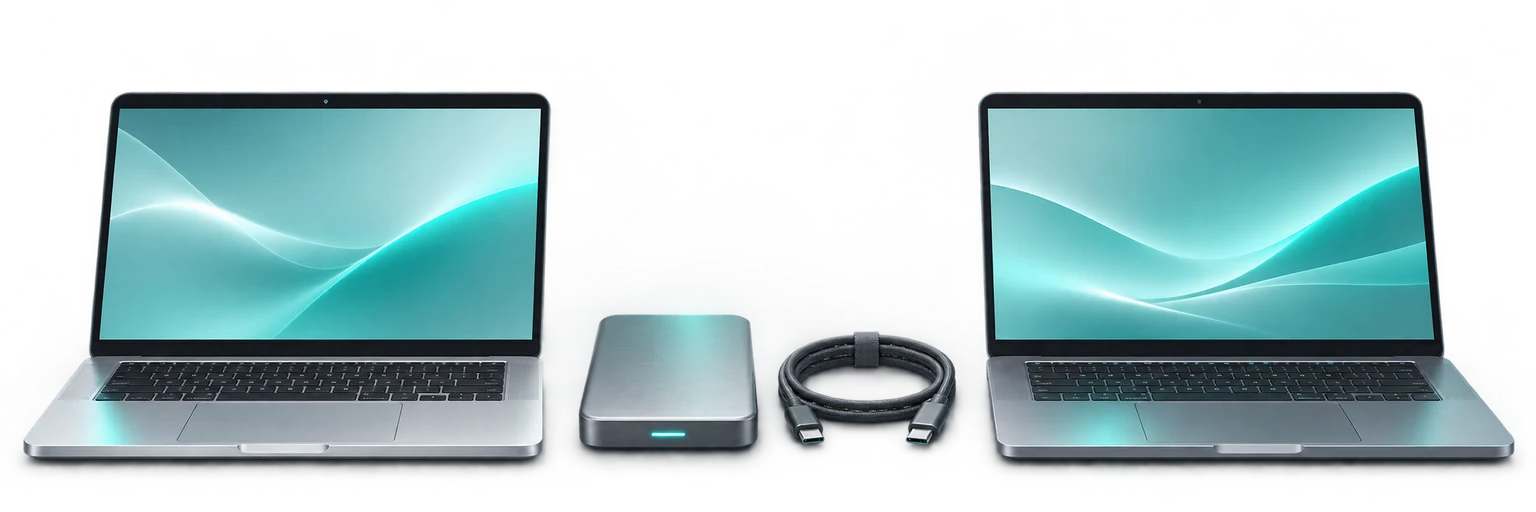
Copy a small test folder first and open it on the destination. Then transfer the remaining files in a structure you can verify. Eject the drive through the operating system before disconnecting it when required. An ordinary USB-A-to-USB-A cable is not a general laptop transfer solution.
Use cloud sharing with deliberate permissions
A cloud service can help when the devices are not nearby. Check storage allowance, upload time and the recipient account requirements. Give access only to the intended people and choose view or edit permissions according to the task.
Review link access and expiry where supported. For business documents, use an approved service and the organization's handling rules. Our business file-exchange checklist outlines questions to ask before adopting another platform.
Verify the copy before cleaning up
Compare file counts and folder structure, then open representative documents, photos and archives at the destination. For important large transfers, use an appropriate checksum or verification tool to compare the copies. Keep the original and backup until you are satisfied.
A TV USB port may play supported media files, but it is not a general laptop file-transfer endpoint. If your aim is to display the laptop picture, follow our smart TV connection guide instead.
Pick a method based on distance and sensitivity
For two nearby Windows computers, Microsoft Nearby sharing is a documented route when both devices and settings are compatible. Apple AirDrop serves supported nearby Apple devices. A USB drive can be practical for a large local copy, while a cloud link can help distant recipients. Do not choose a method merely because it is fastest in one advertisement; consider recipient access, file size, permission control and how you will verify success.
For private or business data, check the organisation's policy and the service's current security terms. The sender's convenience does not eliminate the need to protect the copy after it arrives.
Make a transfer record that catches mistakes
Before copying, record the source folder, intended destination, number of files and total size. Give the transfer a clear name and avoid mixing a new batch with old copies. If the tool reports completion, open a sample of important files at the destination. For a critical archive, compare a checksum or use a verified backup tool where appropriate. Do not delete the source until the destination has been checked and backed up. A progress bar alone does not prove that every file is usable.
Keep file names and folder structure stable when another person must find the documents. If a format does not open, diagnose compatibility separately from whether the bytes transferred successfully.
Control sharing after delivery
With a cloud link, choose named recipients over an open public link when possible, set an expiry that matches the task and remove access after it is complete. Check whether a recipient can download or reshare. For removable media, use a trusted drive, safely eject it and plan where it will be kept. Avoid plugging an unknown drive into a work laptop. The ICO's file-sharing and encryption guidance is a useful starting point when personal data is involved.
Document who received the files and which version was sent. If you later find an error, that record makes it possible to correct the recipient's copy without guessing.
Common questions
Is Bluetooth always the best nearby route?
No. Supported sharing features may use Bluetooth for discovery and Wi-Fi for transfer. Check the platform's current instructions and test with your actual file size. A cable or USB drive may be simpler for a large batch.
When can I delete the original?
After the destination files open correctly and an appropriate backup exists. For important material, verify file count and integrity rather than relying only on a transfer-complete message.
Is a cloud link private by default?
It depends on the service and selected permissions. Check whether anyone with the link can open it, set named access and expiry when available, and review the shared item after sending.
Why did a video transfer but not play?
The destination may not support its codec or container. Transfer success and playback compatibility are separate. Check the receiving device's supported formats before converting or recopying.
How this guide was prepared
We explain documented features and practical considerations using research-based guidance. We do not claim to have tested a device unless a test is specifically documented. Check manufacturer instructions, compatibility and current retailer terms before acting.