Buying guide
8 best 15.6-inch laptops under $1,000 compared
Compare eight 15.6-inch laptops under $1,000, from everyday touch models to dedicated gaming GPUs, with checked configurations and clear trade-offs.
LAPTOP DEN / EVERYDAY / WORK & STUDY
Browse laptop comparisons across screen sizes, budgets and everyday uses. Start with required software and narrow from there.

34 guides to explore
Compare eight 15.6-inch laptops under $1,000, from everyday touch models to dedicated gaming GPUs, with checked configurations and clear trade-offs.
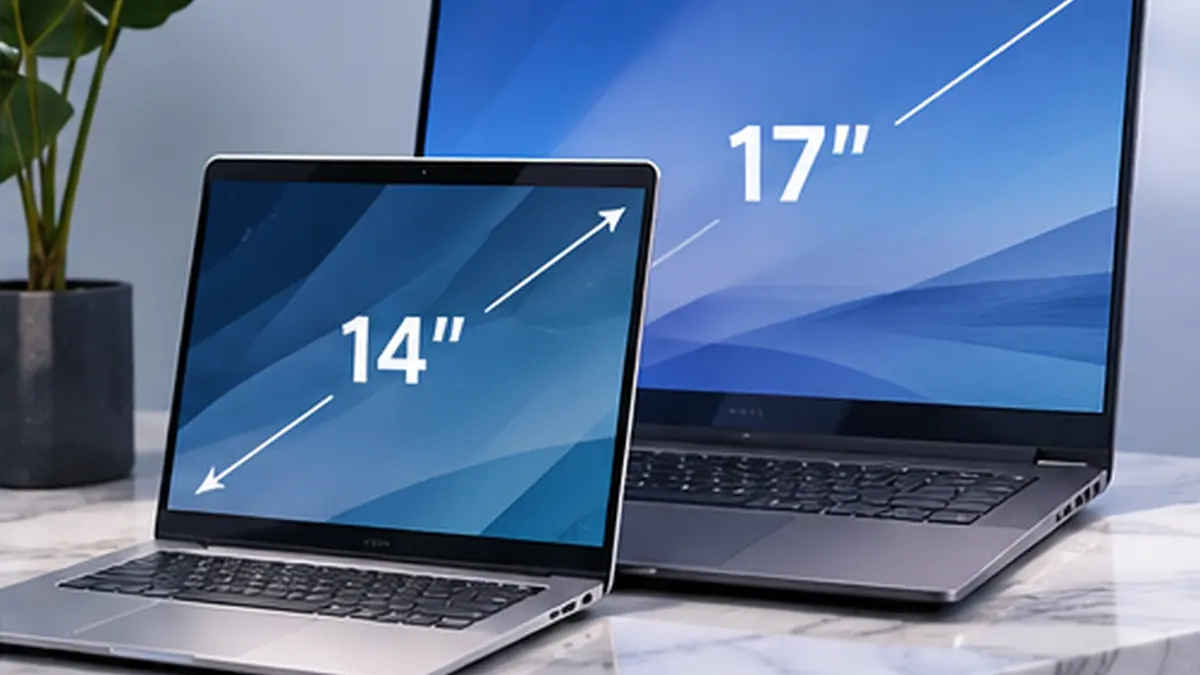
Compare ten 17.3-inch laptops under $1,000 with clear screen, memory and seller details, including caveats for legacy and pre-owned configurations.
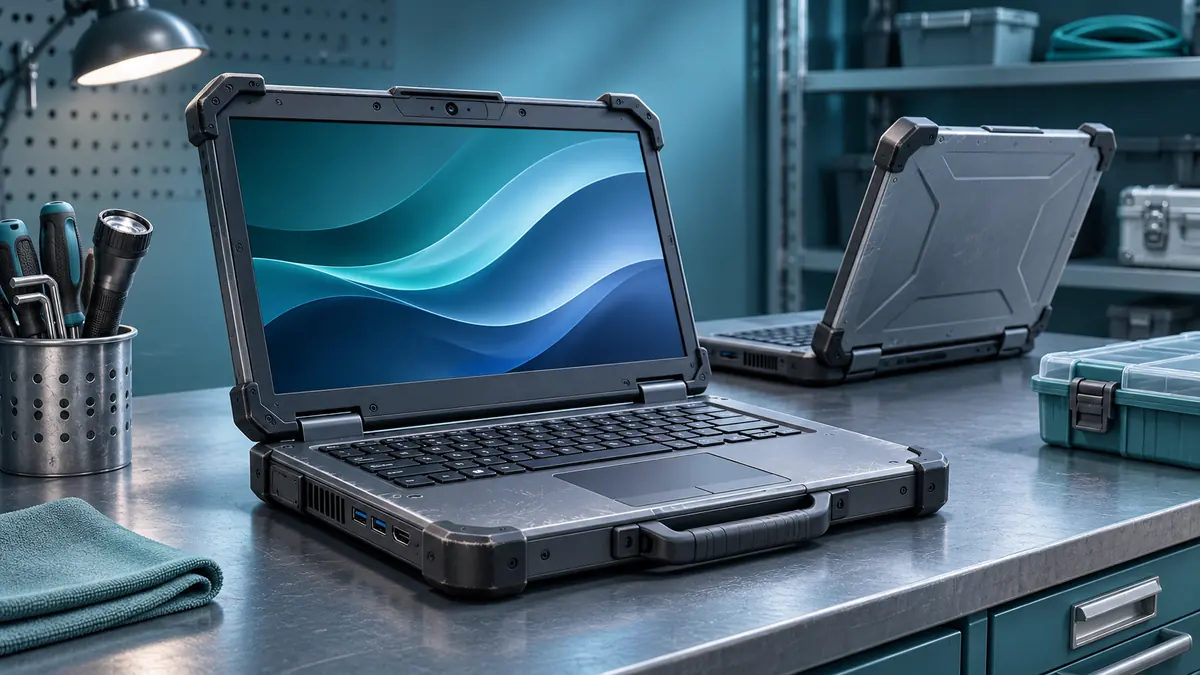
Compare three refurbished rugged laptops by condition, memory and display. Check battery health and software support before choosing an older field machine.
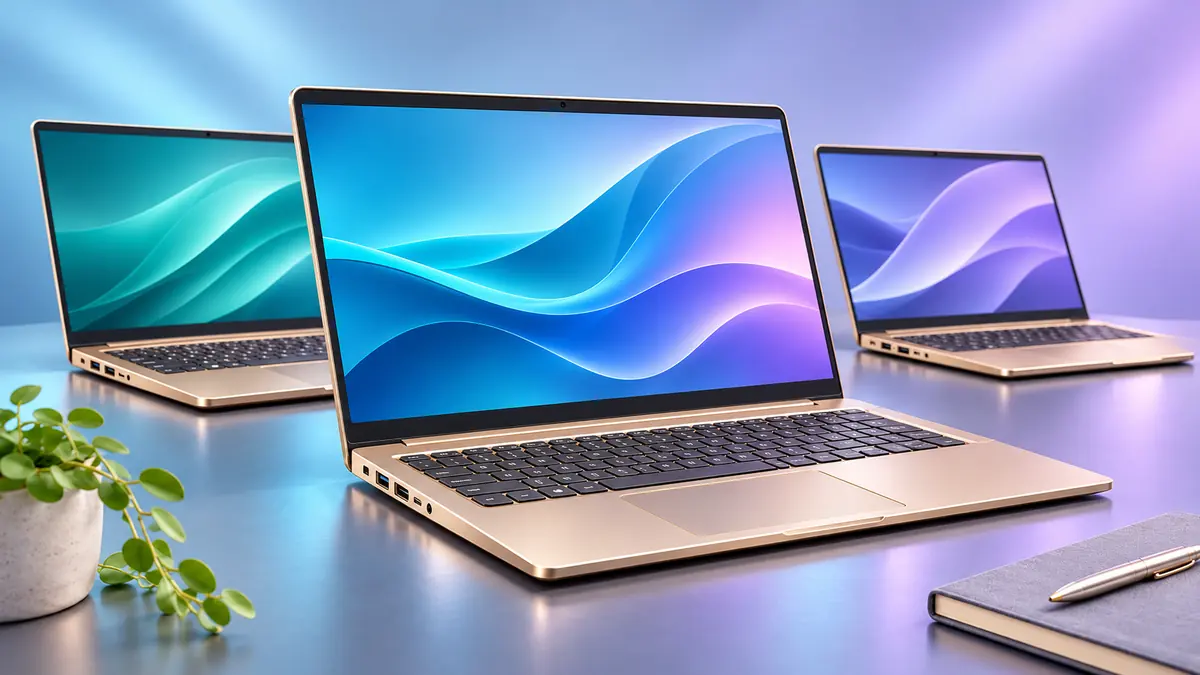
Compare pale, lunar and warm-gold HP laptops. See how memory, screen size and Windows on Arm compatibility change the choice beyond the finish.

Compare five laptops listed below $500 before tax. Weigh storage, touch input and display specifications without confusing an item price with checkout cost.
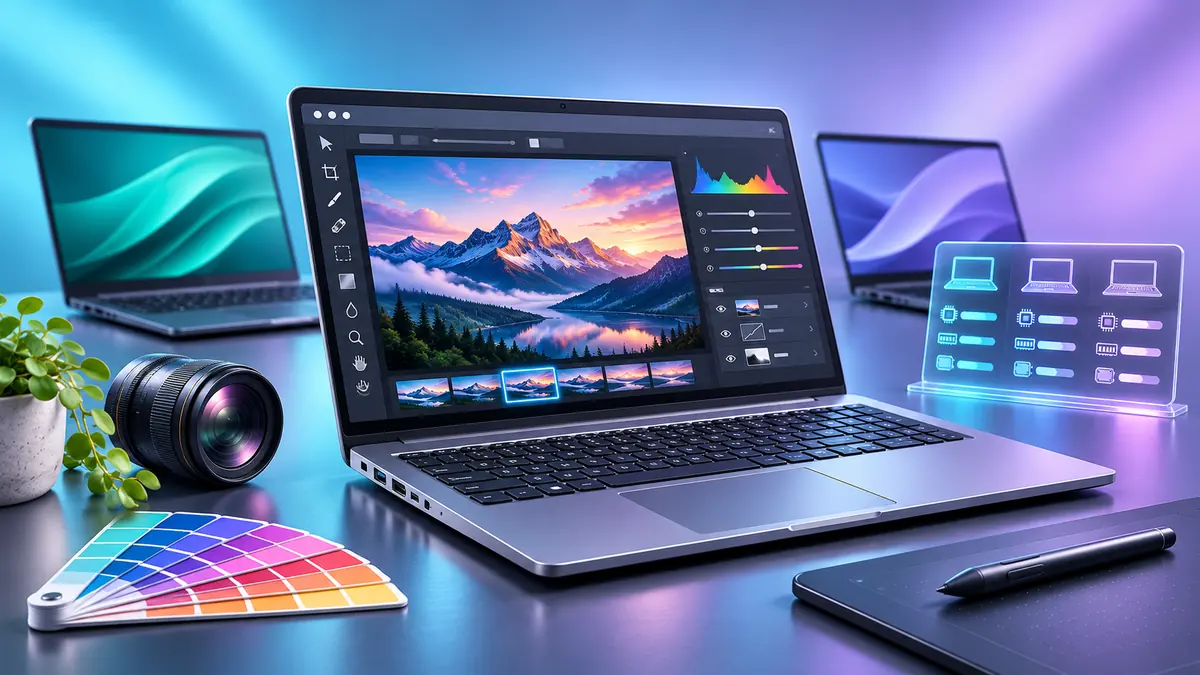
Compare three Photoshop laptop configurations by RAM, display and graphics. Choose between 32GB memory, a dedicated GPU and a larger convertible screen.
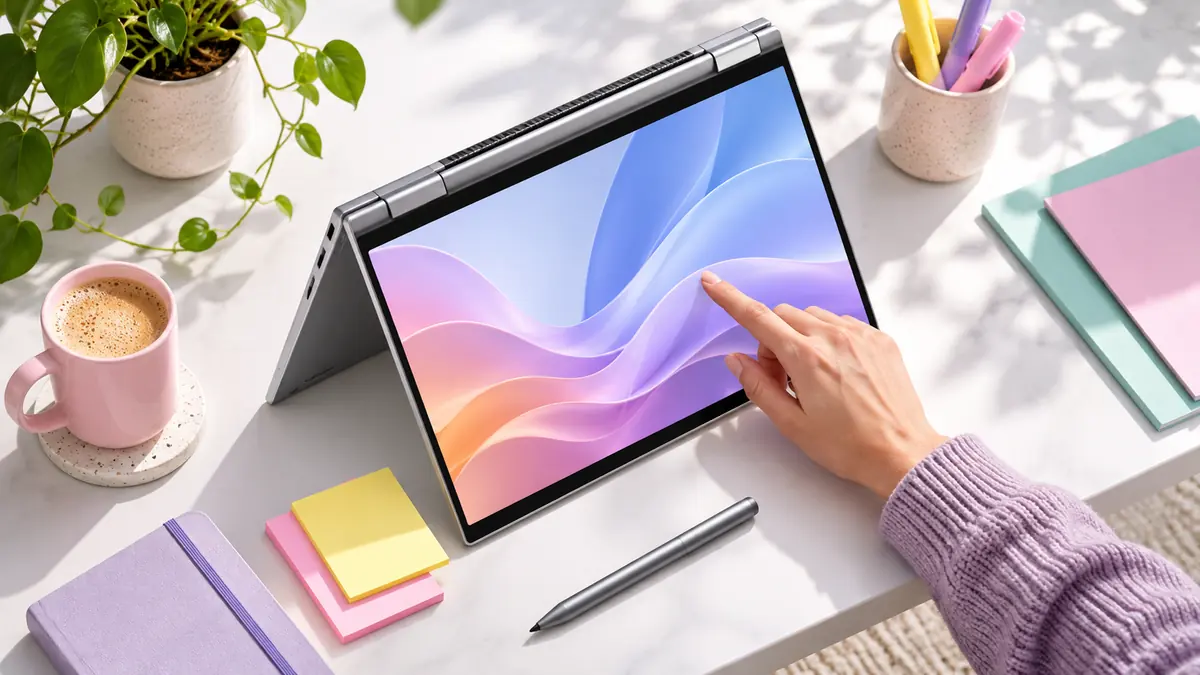
Compare five Lenovo convertibles from 14 to 16 inches. Check memory, storage and pen bundles before choosing a Yoga or IdeaPad by its family name.

Compare three teaching laptops with 16GB RAM and 512GB SSDs. Weigh a convertible hinge, a lower price and a smaller screen against school requirements.

Compare three budget Lenovo 15.6-inch laptops. See the differences in RAM, storage and Windows S mode, including a storage discrepancy to resolve.

Compare three used Sony VAIO listings for legacy projects. Check condition, missing specifications and operating-system support before considering a purchase.
Compare three selected 4K laptop configurations by display, GPU and memory. See which offer is available and where price or stock still needs confirmation.
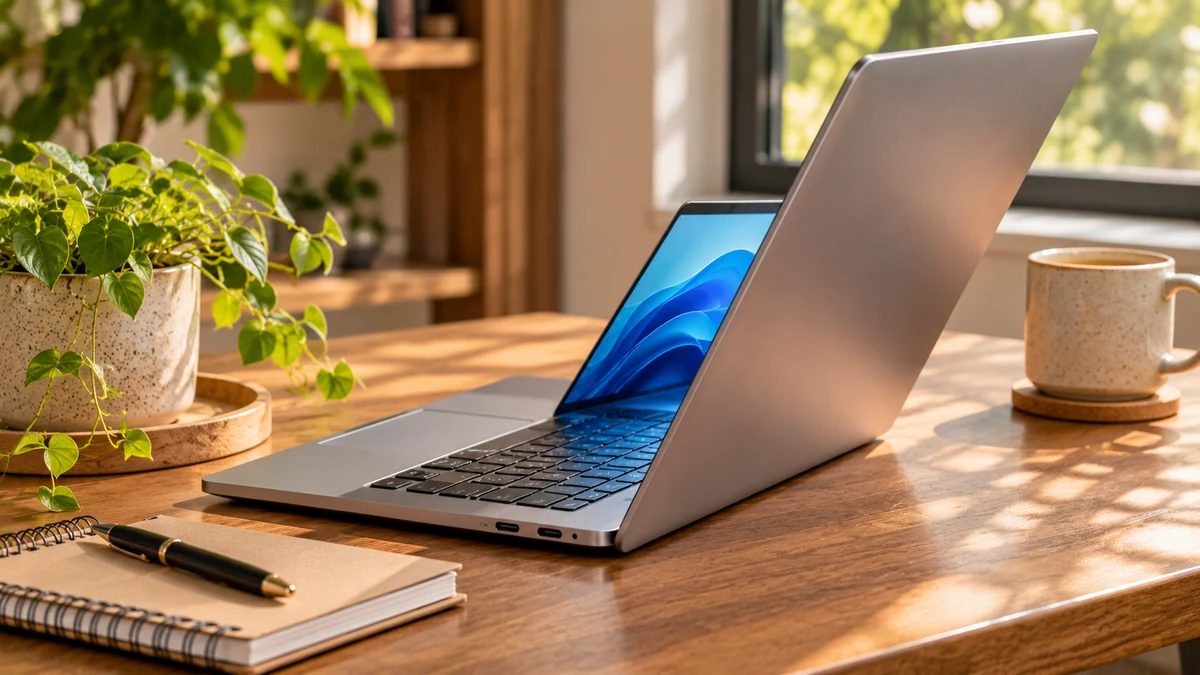
Compare five Dell 17.3-inch laptop offers, from refurbished Precision workstations to a pre-owned G7. Check graphics, condition and software support.
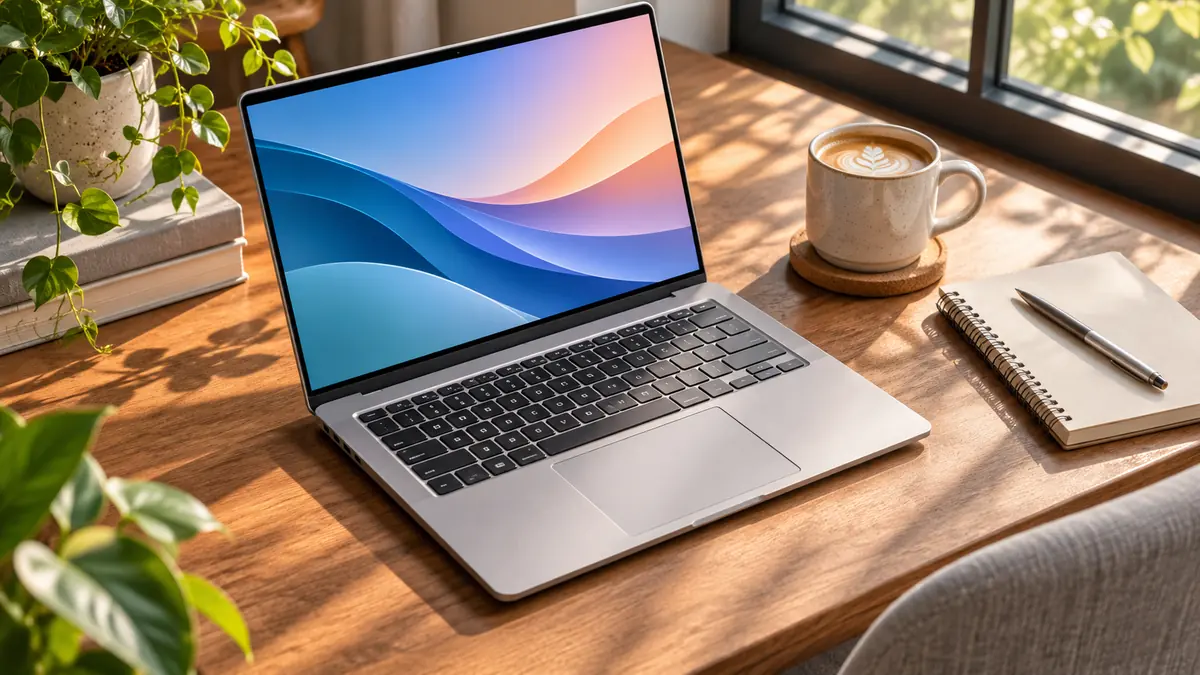
Compare eight laptops under $1,000 by touchscreen, graphics and memory. Find the right compromise for everyday work, a larger screen or gaming.
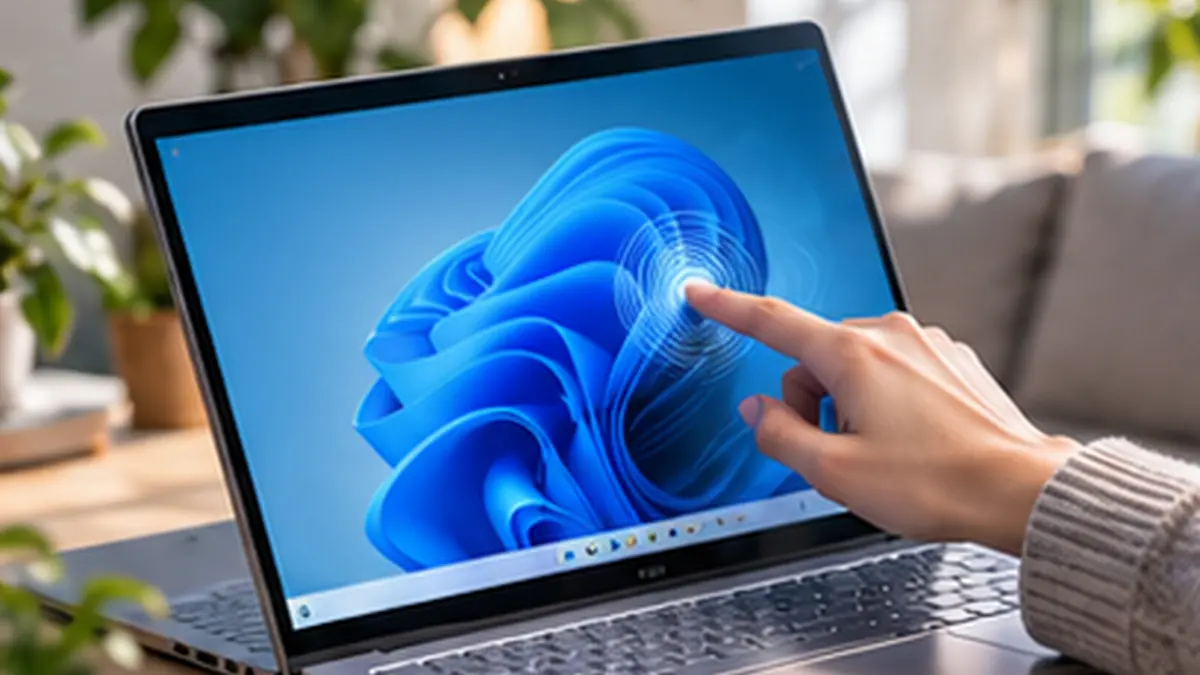
Compare five Acer touchscreen laptops across ChromeOS and Windows, including affordable Aspire models and OLED Swift options with dedicated graphics.
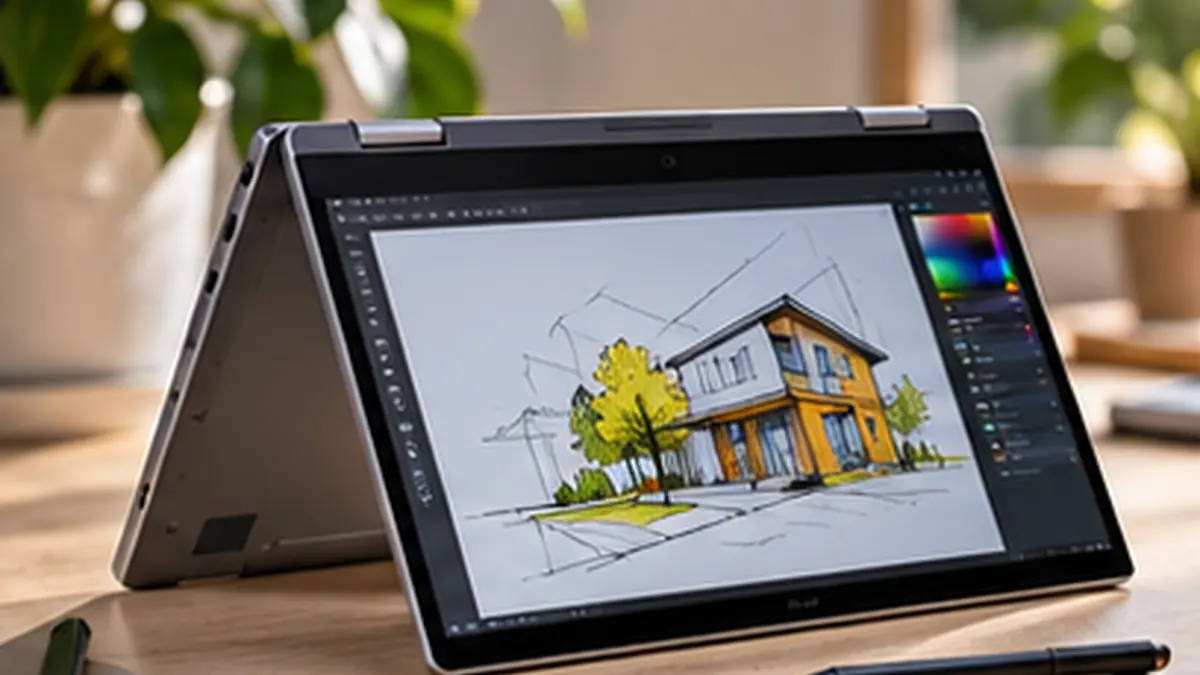
Compare three Dell touchscreen laptop offers with 8GB or 32GB RAM. Check the selected variant, screen size and seller before choosing.

Compare five laptops under $1,500, including OLED touchscreens, a convertible Yoga and dedicated-graphics models. Choose memory, storage or gaming capability.
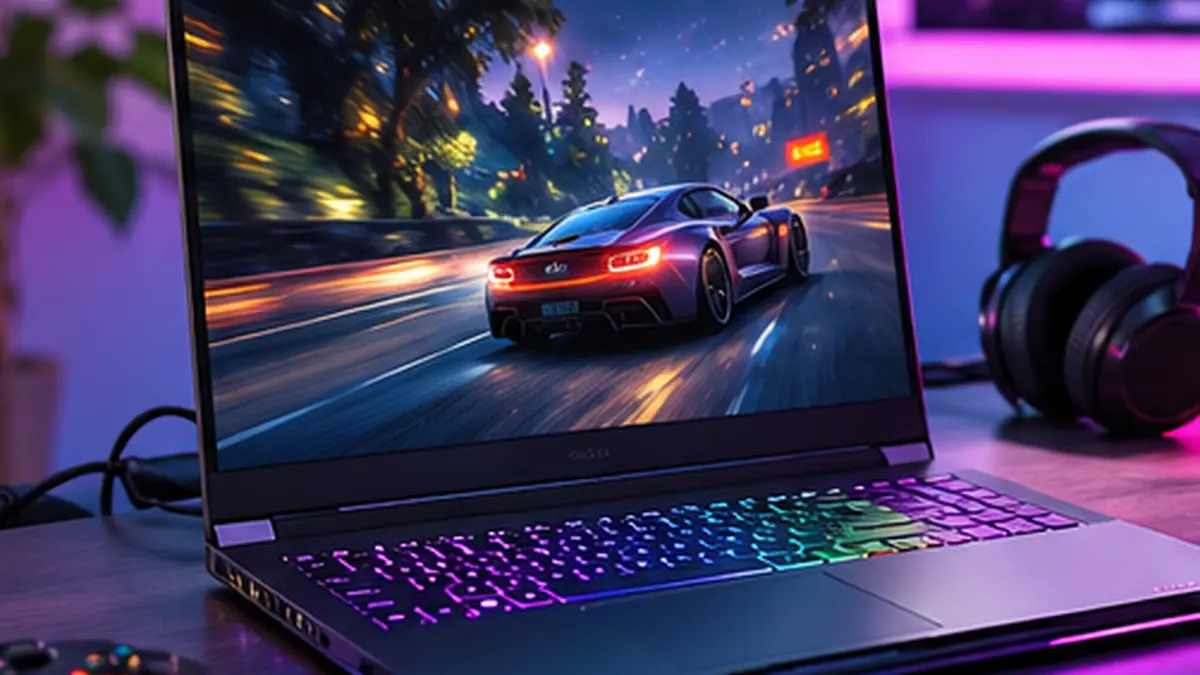
Compare HP Victus and OMEN gaming laptops with RTX 3050, 5060 or 5070 graphics. Weigh memory, SSD capacity and display refresh rate against price.

Compare three entry-level laptops for kids across ChromeOS and Windows. Check school apps, update support, storage and the limits of 4GB RAM.

Compare three ASUS gaming laptops with RTX 4050, 4060 or 5060 graphics. Weigh the TUF A16 against ROG Strix screen, storage and price differences.

Compare three sub-$500 laptop references for lighter gaming, including new and refurbished options. All use integrated graphics, and one offer is unavailable.
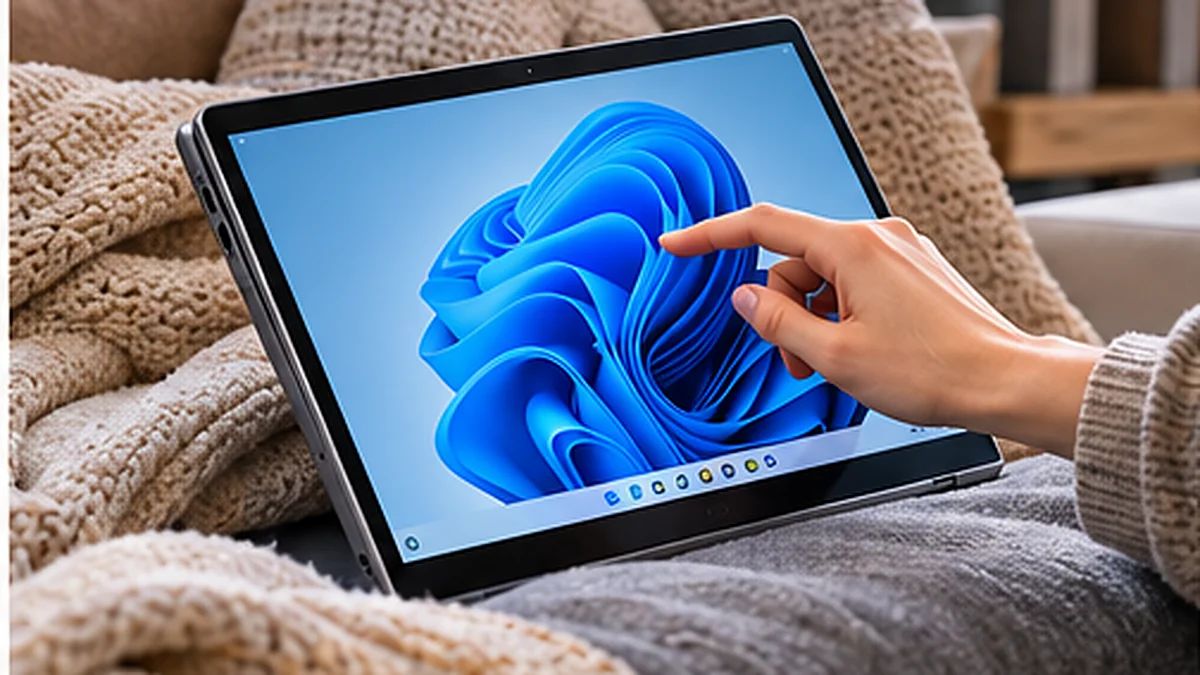
Compare three HP Pavilion offers, including a gold touchscreen, blue 15.6-inch model and x360 convertible. Weigh screen format, storage and price.

Compare three older laptop listings for CD, DVD or Blu-ray needs. Verify the installed optical drive, supported software and condition before buying.

Compare three entry-level laptops around a $300 budget, including Windows and ChromeOS. Check memory limits, screen resolution and required applications.
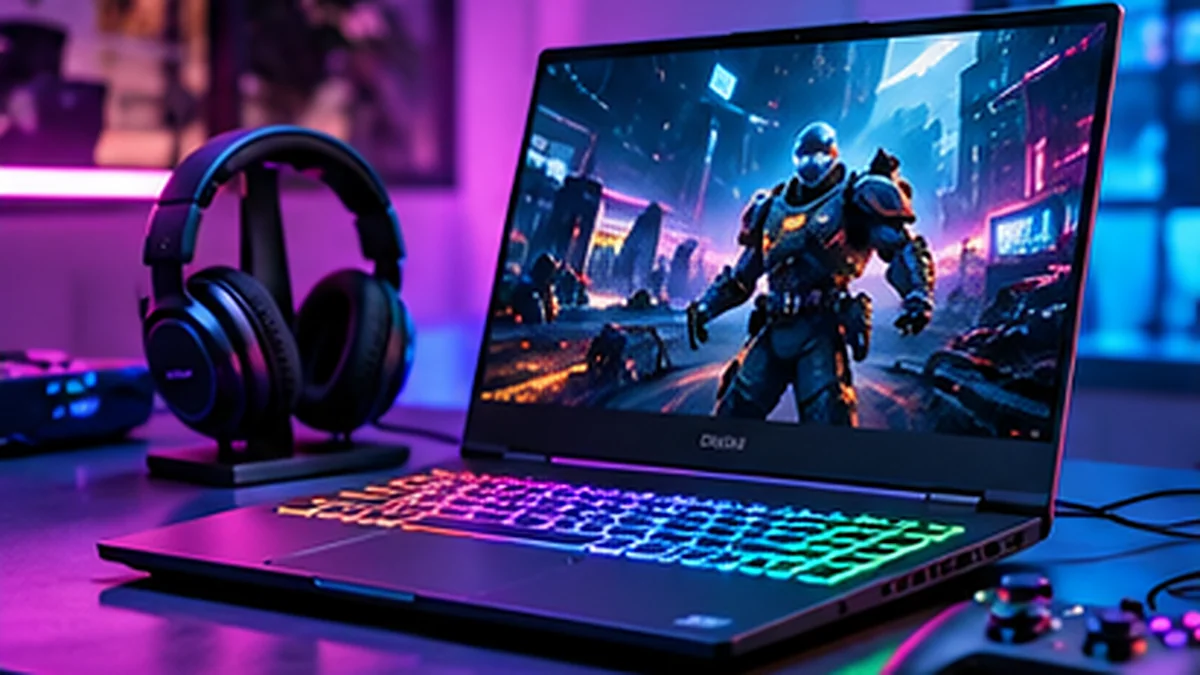
Compare eight gaming configurations under $1,500 by GPU, display and storage. Identify useful upgrades before paying for a higher model number.

Compare three pink laptops by processor, memory and storage. Look beyond the finish and resolve conflicting CPU descriptions before choosing an offer.
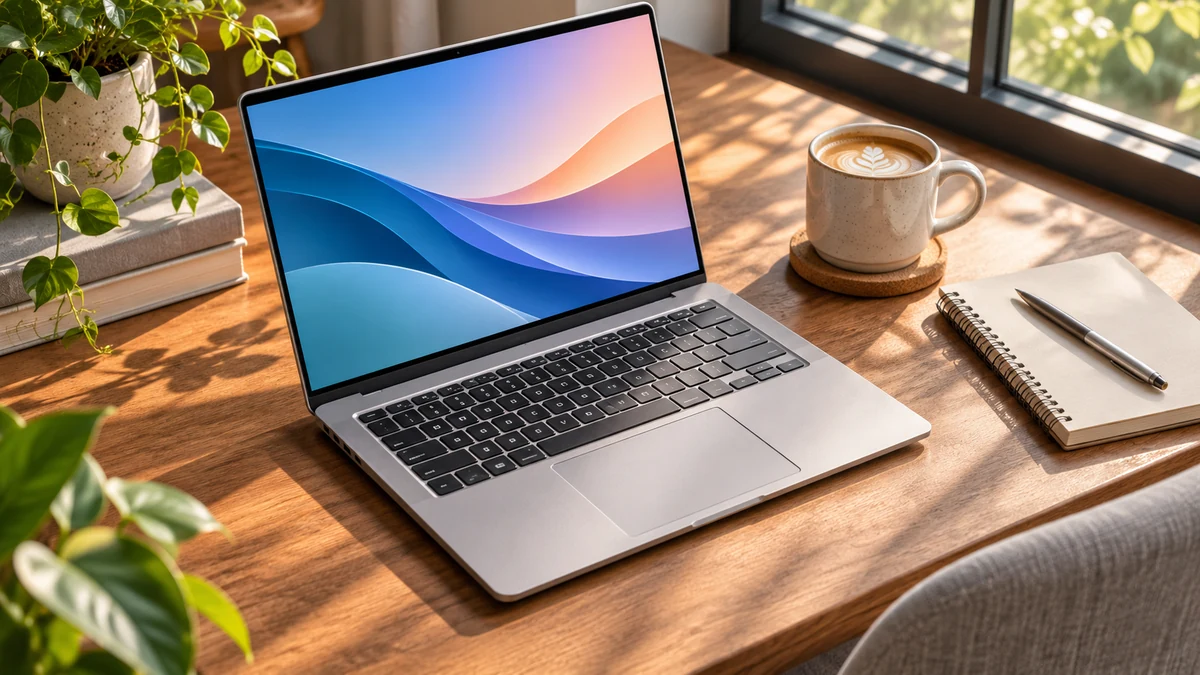
Compare three Windows laptops by screen size, touch input and memory. Choose around individual preferences, applications and a comfortable desk setup.

Compare three 14-inch student laptops by memory, storage and screen format. Check course software before choosing a convertible or OLED configuration.
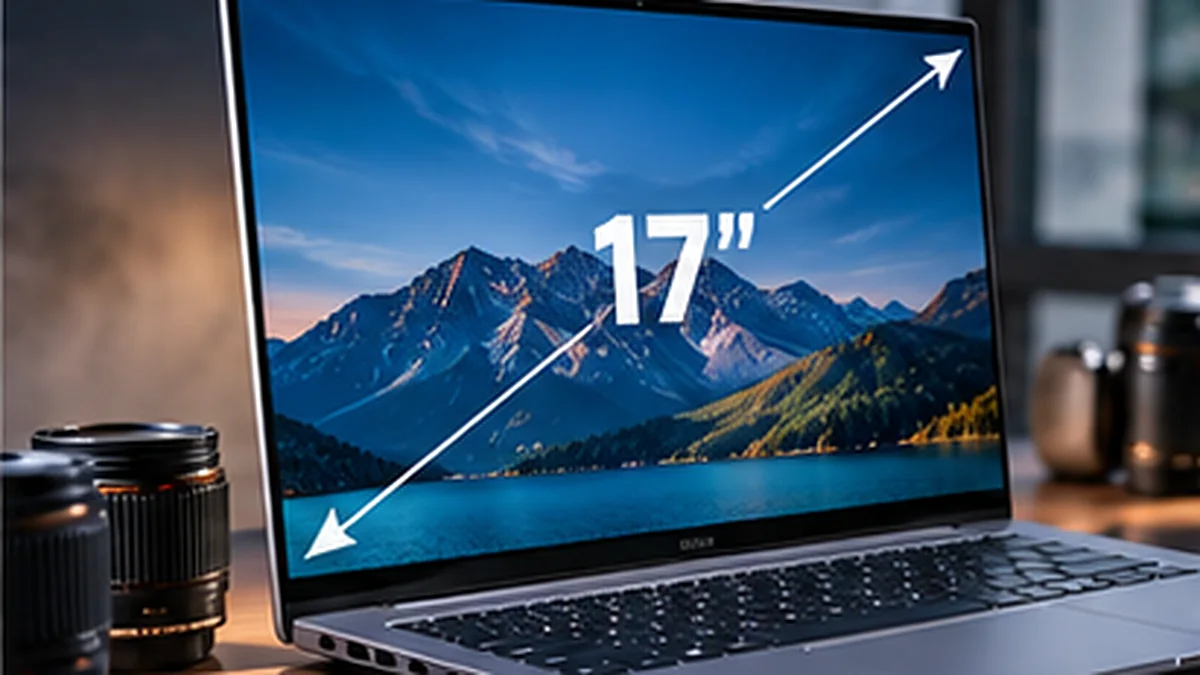
Compare three HP 17.3-inch laptops by memory, storage and everyday features. Find the useful difference between Essential, 17t and OmniBook offers.
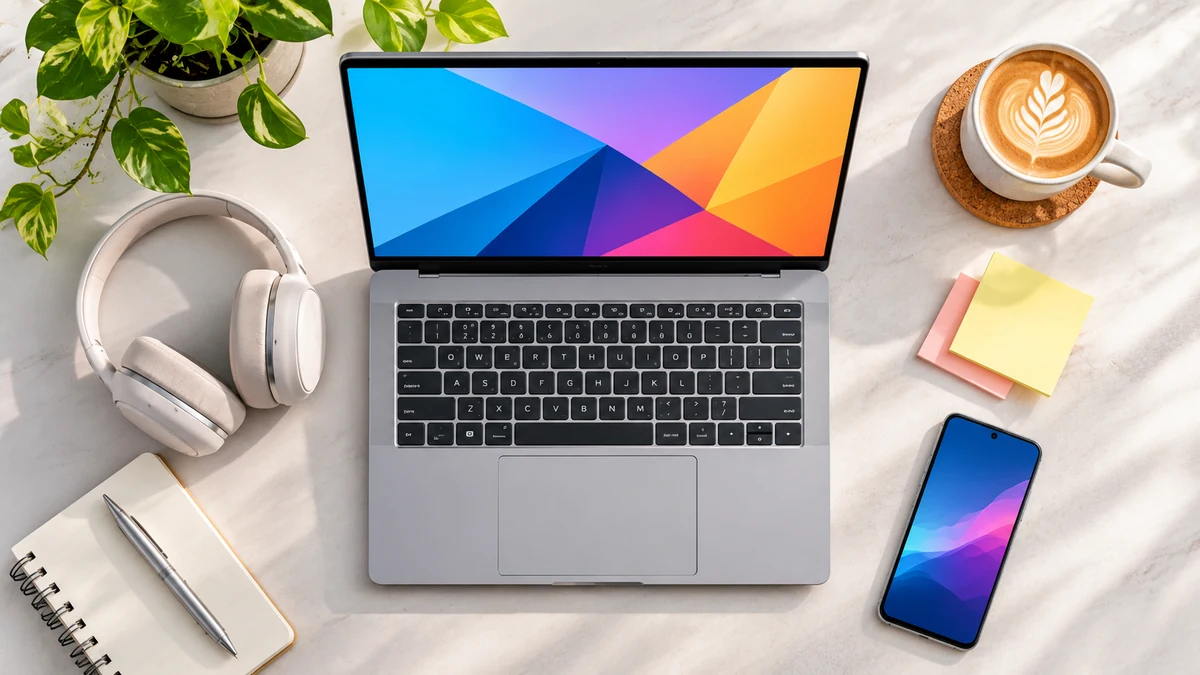
Compare ten ASUS 15-inch configurations across ChromeOS, everyday Windows and gaming. Legacy models and the unavailable Pro Duo are clearly identified.
Compare three older Acer 17.3-inch listings by storage, graphics and condition. Understand operating-system support before considering a legacy purchase.
Compare a pre-owned Dell G7 with two Alienware configurations. Check display resolution, graphics and condition rather than choosing by brand alone.
Compare MSI Cyborg, Acer Nitro V and Alienware configurations under $1,000. Check GPU power, display format and checkout costs before choosing.
Compare Razer Blade 14, 16 and 18 families by form factor and buying priorities. Choose an exact current configuration on the manufacturer site.

Compare three small touchscreen laptops from Lenovo, ASUS and Acer, with clear notes on ChromeOS, Windows, storage and restored condition.
Showing 7 of 34 guides
Try a shorter title, a brand or a task.
Find another route through the research, from practical buying advice to the finer details of a laptop setup.

Compare graphics, cooling and display decisions for the games you play.
View collection
See what each budget buys and where the real trade-offs are.
View collection
Get answers to the setup, care and buying questions that matter.
View collectionOur comparisons are research-based. Check the exact configuration, selected seller and current offer before purchasing. Read about our approach and affiliate links.