Lenovo docking stations for a compatible desk A more useful desk.
A matching connection.

Compare five Lenovo docks by host connection, display support and travel needs. Check USB-C, USB-A and Thunderbolt requirements before buying.

Compare 5 docks
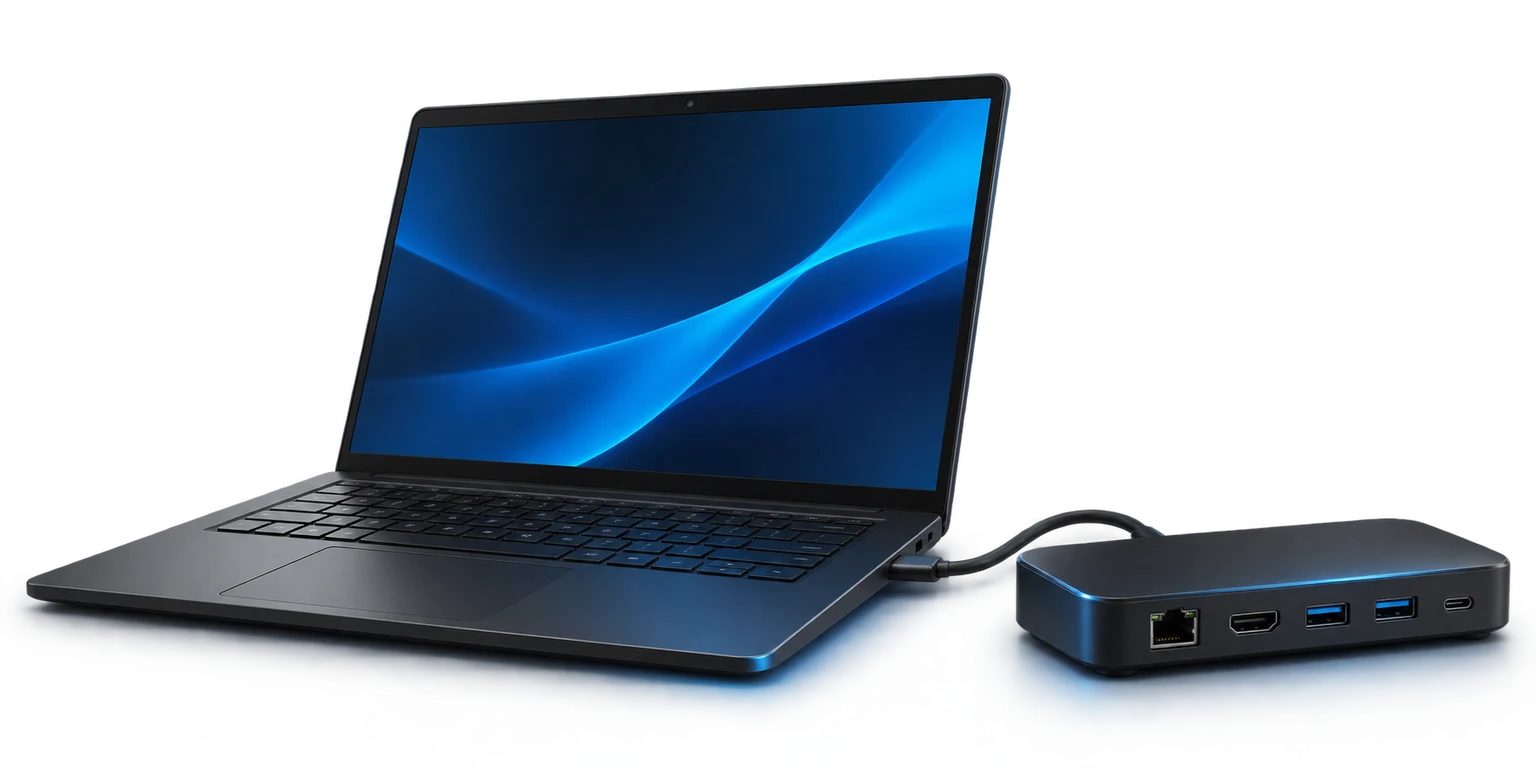
Concept illustration of lenovo docking stations for a compatible desk
5 dock optionsExact host supportMonitor combinationsPower package matters
AI-created concept illustration. Product listings below show retailer images.

By Laptop Den editorial · Updated November 15, 2026

Affiliate disclosure: We may earn a commission if you buy through links on this page. Prices are observed item prices in USD, before any applicable tax or delivery charges. Our comparisons are research-based, with no hands-on testing claims.

THE SHORTLIST

Lenovo docking stations for a compatible desk

Start with the 40AY or 40AS for a supported USB-C desk. Use the Hybrid when USB-A support is necessary and drivers are allowed. Choose the travel or Thunderbolt model for a specific connection requirement.

Showing all 5 docks. Offer information recorded November 4, 2026.

Clear package for compatible hosts7.8/10
ThinkPad USB-C Dock Gen 2 40AS

ThinkPad USB-C Dock Gen 2 40AS

The named 40AS variant lists a cable and 90W adapter, making package contents easier to check before matching monitors and actual laptop charging requirements.

Host connection
USB-C host with supported video
Ports and package
40AS0090US / cable and 90W adapter listed
Power requirement
Adapter rating is not host charging
$102.96New · Koncept Technologies
Read our assessment
Useful for supported USB-A hosts7.1/10
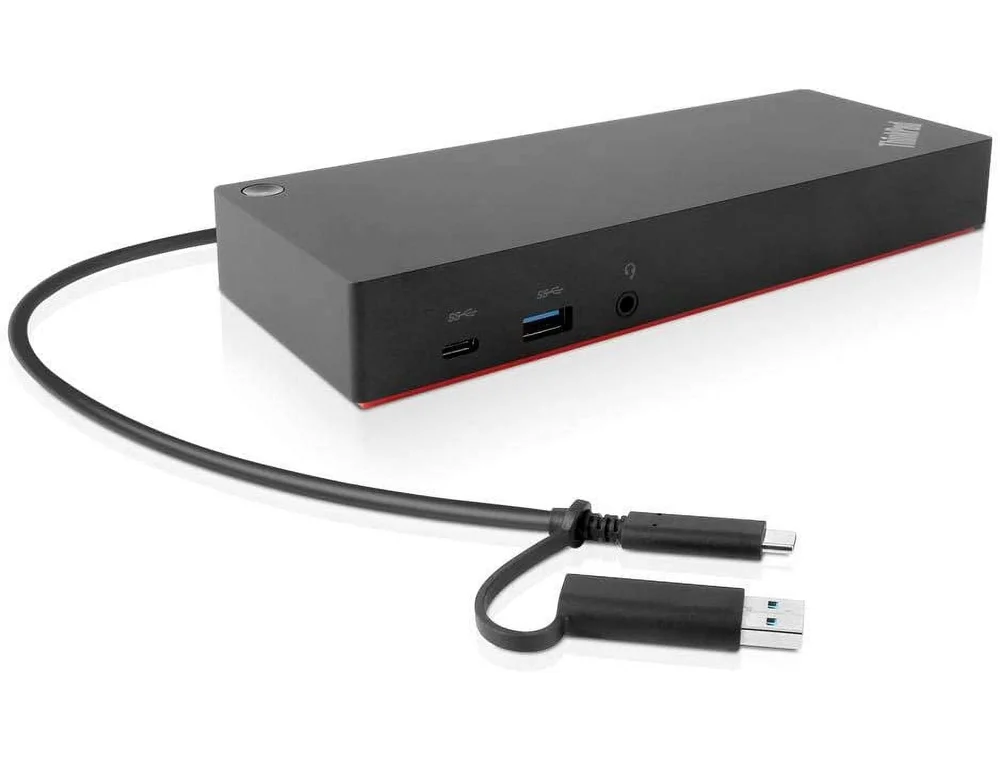
ThinkPad Hybrid USB-C with USB-A Dock

ThinkPad Hybrid USB-C with USB-A Dock

USB-A host support creates a distinct compatibility option, but display-driver requirements and separate laptop charging need to fit the intended computer and workflow.

Host connection
USB-C or USB-A host
Ports and package
40AF0135US / driver-dependent displays
Power requirement
USB-A does not charge the laptop
$168.29New · Koncept Technologies
Read our assessment
Versatile USB-C starting point7.9/10
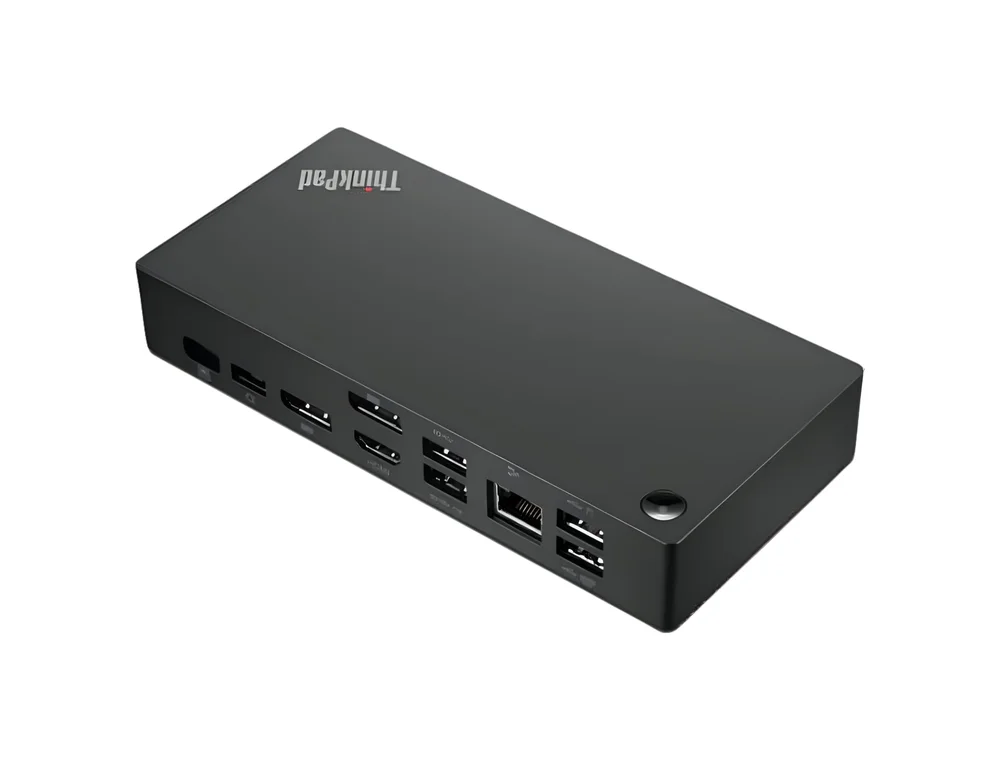
ThinkPad Universal USB-C Dock 40AY

ThinkPad Universal USB-C Dock 40AY

A clear 40AY identifier and moderate recorded price make this a practical desk-dock comparison, with the full suffix, adapter package and supported monitor setup unresolved.

Host connection
USB-C host with supported video
Ports and package
40AY0090 / verify included adapter
Power requirement
Host power depends on package and laptop
$116.99New · GOYGOY
Read our assessment
Travel format with checks7.0/10
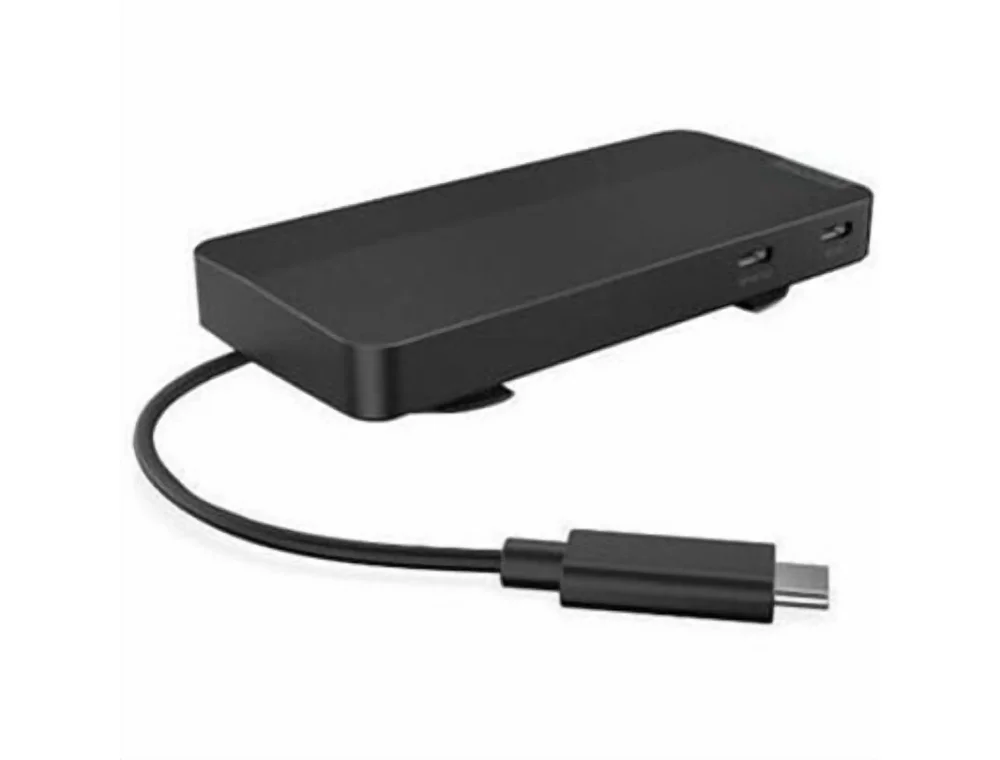
Lenovo USB-C Dual Display Travel Dock

Lenovo USB-C Dual Display Travel Dock

A smaller connection format is the reason to consider this dock, while simultaneous display limits, pass-through power and the adapter arrangement need confirmation.

Host connection
USB-C host with video support
Ports and package
Travel format / dual-display claim
Power requirement
Confirm pass-through power and adapter
$104.99New · Platinum Micro
Read our assessment
Thunderbolt-specific desk option7.3/10
ThinkPad Universal Thunderbolt 4 Dock

ThinkPad Universal Thunderbolt 4 Dock

The Thunderbolt 4 interface provides a distinct compatibility path, but the higher recorded price requires a supported host and a clearly identified dock package.

Host connection
Thunderbolt 4 host
Ports and package
Desk dock / verify exact part number
Power requirement
Confirm adapter and host delivery
$224.89New · eDealerTech
Read our assessment

Scores reflect the listed specifications, intended use and recorded offer within this guide. How our scores work.

The details behind your shortlist.

The specifications, trade-offs and reasoning behind each score.

OPTION 01 / 05

For a compatible USB-C ThinkPad

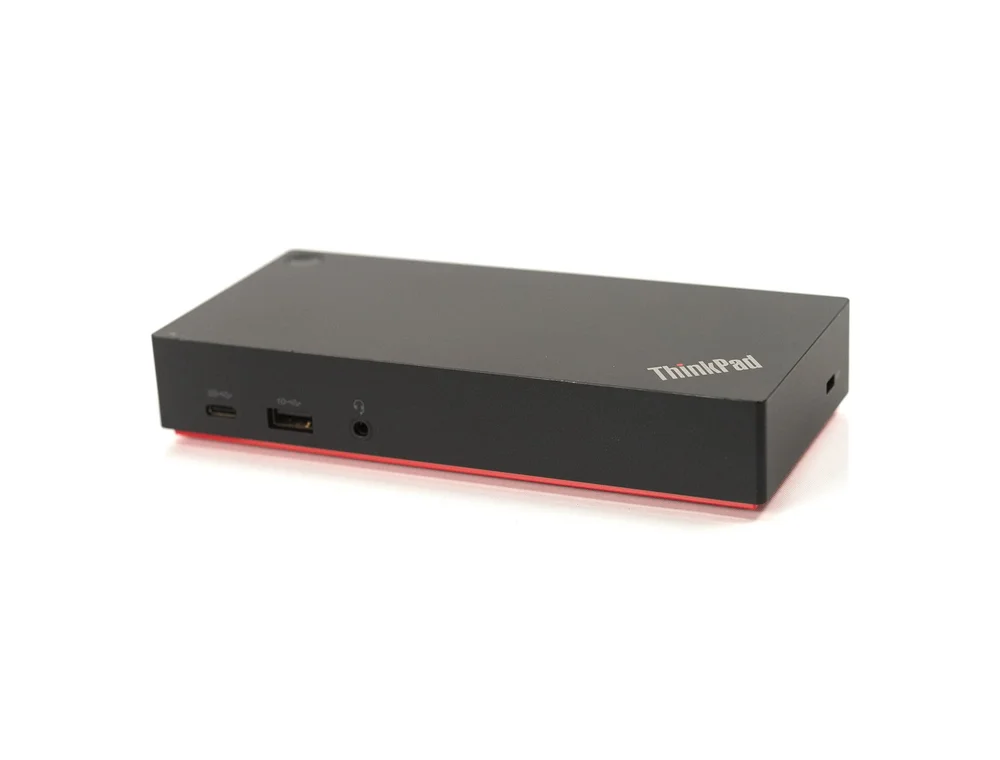
ThinkPad USB-C Dock Gen 2 40AS

USB-C host with supported video
ThinkPad USB-C Dock Gen 2 40AS product image from the linked listing
Our assessmentHow we assess it
7.8/ 10
Editorial scoreBased on listed specificationsNo hands-on testing
Supported video host required
USB-C
Listed package; not host wattage
90W adapter
Exact listed variant
40AS0090US
Observed price · $102.96
NewKoncept Technologies · Walmart
View listing at Walmart (opens in a new tab)

For a compatible USB-C ThinkPad

The 40AS is a useful starting point for an existing compatible ThinkPad setup. The listing explicitly names a cable and 90W adapter, which makes package checking easier. Compare its supported monitor combinations with your actual laptop before relying on the Gen 2 label.

A complete listed package can avoid sourcing a separate compatible power supply.

How we assess this configuration

We score the 40AS at 7.8/10 for a clearly identified dock and listed power-supply package at the recorded $102.96. That gives an existing compatible ThinkPad owner a concrete starting point without assuming the adapter rating equals laptop charging power. Monitor combinations, the precise variant and genuine included accessories still need confirmation. The assessment rewards package clarity and recorded price within this Lenovo selection.

This is an editorial assessment of the published specification and offer information recorded November 4, 2026. We have not tested charging, display output or stability. Verify the host laptop, operating system, ports and power supply against the exact dock before buying.

Configuration and purchasing details
Configuration shown
Model
ThinkPad USB-C Dock Gen 2 40AS0090US
Host connection
USB-C with supported video
Listed package
Cable and 90W adapter
Host charging
Confirm delivery to the specific laptop
Display support
Match monitor combination to the host
Power supply
Verify genuine included adapter
Purchasing details
Listed seller
Koncept Technologies
Condition
New
Availability & delivery
Check retailer listing
Shipping & tax
Confirm at checkout
Returns & warranty
Check the selected seller's terms

Confirm the selected product, compatibility, seller and final total before ordering.

Offer information recorded Nov 4, 2026: Walmart listing (opens in a new tab). Prices, condition and availability may have changed.

Back to the comparison

OPTION 02 / 05

For supported USB-A connections

ThinkPad Hybrid USB-C with USB-A Dock

USB-C or USB-A host

ThinkPad Hybrid USB-C with USB-A Dock product image from the linked listing
Our assessmentHow we assess it
7.1/ 10
Editorial scoreBased on listed specificationsNo hands-on testing
Host options
USB-C / USB-A
Driver support to confirm
DisplayLink
Required for USB-A host use
Separate charging
Observed price · $168.29
NewKoncept Technologies · Walmart
View listing at Walmart (opens in a new tab)

For supported USB-A connections

The Hybrid dock is the option to investigate when USB-A host support is needed. Its software-driven display behavior differs from a conventional USB-C video dock. Check operating-system support and installation permission, especially on a managed work laptop.

The USB-A host option broadens the set of computers that may connect.

How we assess this configuration

The Hybrid receives 7.1/10 for addressing a specific connection need at the recorded $168.29: a supported laptop can connect through USB-A as well as USB-C. That flexibility matters only when the required display software is permitted and appropriate. Driver support, display limits and the lack of laptop charging over USB-A are material constraints. The score is strongest for a verified mixed-host desk setup.

This is an editorial assessment of the published specification and offer information recorded November 4, 2026. We have not tested charging, display output or stability. Verify the host laptop, operating system, ports and power supply against the exact dock before buying.

Configuration and purchasing details
Configuration shown
Model
ThinkPad Hybrid USB-C with USB-A Dock
Listed part
40AF0135US
Host connections
USB-C or USB-A
Display operation
Driver-dependent; verify DisplayLink support
USB-A host charging
Does not charge the laptop
Compatibility
Check OS, installation permission and display limits
Purchasing details
Listed seller
Koncept Technologies
Condition
New
Availability & delivery
Check retailer listing
Shipping & tax
Confirm at checkout
Returns & warranty
Check the selected seller's terms

Confirm the selected product, compatibility, seller and final total before ordering.

Offer information recorded Nov 4, 2026: Walmart listing (opens in a new tab). Prices, condition and availability may have changed.

Back to the comparison

OPTION 03 / 05

A general USB-C desk option

ThinkPad Universal USB-C Dock 40AY

USB-C host with supported video

ThinkPad Universal USB-C Dock 40AY product image from the linked listing
Our assessmentHow we assess it
7.9/ 10
Editorial scoreBased on listed specificationsNo hands-on testing
Supported video host required
USB-C
Confirm full part suffix
40AY0090
Package affects host power
Adapter check
Observed price · $116.99
NewGOYGOY · Walmart
View listing at Walmart (opens in a new tab)

A general USB-C desk option

The 40AY is the USB-C alternative to compare with the older 40AS. Choose it based on supported monitors, charging and management requirements rather than the universal name. A compatible non-Lenovo laptop may not support every Lenovo-specific function.

The clear 40AY identifier helps you find the relevant compatibility and firmware information.

How we assess this configuration

We assign 7.9/10 to the 40AY as a general USB-C starting point at the recorded $116.99. The identifiable family provides a useful route to model-specific compatibility and firmware information, and the price remains close to the older 40AS. Its score is conditional on the complete part number, included adapter, actual host charging and monitor support. Universal branding adds no guarantee beyond that verified combination.

This is an editorial assessment of the published specification and offer information recorded November 4, 2026. We have not tested charging, display output or stability. Verify the host laptop, operating system, ports and power supply against the exact dock before buying.

Configuration and purchasing details
Configuration shown
Model
ThinkPad Universal USB-C Dock 40AY
Listed identifier
40AY0090; confirm full suffix
Host connection
USB-C with supported video
Power supply
Included adapter to confirm
Host charging
Depends on package and laptop
Display support
Verify exact monitor configuration
Management functions
May vary on non-Lenovo hosts
Purchasing details
Listed seller
GOYGOY
Condition
New
Availability & delivery
Check retailer listing
Shipping & tax
Confirm at checkout
Returns & warranty
Check the selected seller's terms

Confirm the selected product, compatibility, seller and final total before ordering.

Offer information recorded Nov 4, 2026: Walmart listing (opens in a new tab). Prices, condition and availability may have changed.

Back to the comparison

OPTION 04 / 05

A portable connection option

Lenovo USB-C Dual Display Travel Dock

USB-C host with video support

Lenovo USB-C Dual Display Travel Dock product image from the linked listing
Our assessmentHow we assess it
7.0/ 10
Editorial scoreBased on listed specificationsNo hands-on testing
Video-capable host required
USB-C
Advertised; verify shared limits
Dual display
Portable connection use
Travel format
Observed price · $104.99
NewPlatinum Micro · Walmart
View listing at Walmart (opens in a new tab)

A portable connection option

The travel dock is for a portable setup where carrying a larger powered desk dock would be inconvenient. Its dual-display claim must be checked against the host and operating system. Confirm the ports you need for presentations or temporary desks.

The travel-oriented design targets occasional connections away from a permanent workstation.

How we assess this configuration

The travel dock earns 7.0/10 for a portable-use role at the recorded $104.99, close to the desk-focused 40AS price. Its attraction is the format rather than a proven performance advantage. The dual-display claim is incomplete without host and operating-system details, while pass-through charging and adapter requirements remain unconfirmed. We would settle those points against the actual presentation or temporary-desk setup before choosing it.

This is an editorial assessment of the published specification and offer information recorded November 4, 2026. We have not tested charging, display output or stability. Verify the host laptop, operating system, ports and power supply against the exact dock before buying.

Configuration and purchasing details
Configuration shown
Product
Lenovo USB-C Dual Display Travel Dock
Host connection
USB-C with video support
Format
Travel dock
Display claim
Dual display; simultaneous limits to confirm
Charging
Pass-through power and adapter to confirm
Compatibility
Check host and operating-system support
Purchasing details
Listed seller
Platinum Micro
Condition
New
Availability & delivery
Check retailer listing
Shipping & tax
Confirm at checkout
Returns & warranty
Check the selected seller's terms

Confirm the selected product, compatibility, seller and final total before ordering.

Offer information recorded Nov 4, 2026: Walmart listing (opens in a new tab). Prices, condition and availability may have changed.

Back to the comparison

OPTION 05 / 05

For a supported Thunderbolt host

ThinkPad Universal Thunderbolt 4 Dock

Thunderbolt 4 host

ThinkPad Universal Thunderbolt 4 Dock product image from the linked listing
Our assessmentHow we assess it
7.3/ 10
Editorial scoreBased on listed specificationsNo hands-on testing
Host interface
Thunderbolt 4
Connection format
Desk dock
Cable and adapter to confirm
Package check
Observed price · $224.89
NeweDealerTech · Walmart
View listing at Walmart (opens in a new tab)

For a supported Thunderbolt host

The Thunderbolt 4 model is relevant when your laptop supports the interface and your workstation can use its capabilities. It is not automatically the best purchase for a basic USB-C laptop. Match the exact dock part number to the laptop support matrix before comparing price.

Thunderbolt support offers a different connection capability from the USB-C-only options.

How we assess this configuration

We rate this dock 7.3/10 for a supported Thunderbolt workstation at the recorded $224.89. The interface is a concrete distinction from the USB-C-only alternatives, but the evidence does not settle the exact part number, cable or power-supply package. Those gaps matter at the higher price. The score assumes a host and monitor setup that can use the documented capabilities after the precise variant is confirmed.

This is an editorial assessment of the published specification and offer information recorded November 4, 2026. We have not tested charging, display output or stability. Verify the host laptop, operating system, ports and power supply against the exact dock before buying.

Configuration and purchasing details
Configuration shown
Product
ThinkPad Universal Thunderbolt 4 Dock
Host interface
Thunderbolt 4
Part number
Exact variant to confirm
Included cable
To confirm
Power supply / host charging
To confirm for the selected package
Display support
Match exact dock and laptop support matrix
Purchasing details
Listed seller
eDealerTech
Condition
New
Availability & delivery
Check retailer listing
Shipping & tax
Confirm at checkout
Returns & warranty
Check the selected seller's terms

Confirm the selected product, compatibility, seller and final total before ordering.

Offer information recorded Nov 4, 2026: Walmart listing (opens in a new tab). Prices, condition and availability may have changed.

Back to the comparison

BEFORE YOU BUY

Match the laptop.
Then build the desk.

The correct dock begins with your laptop model and the monitors you want to connect.

AI-generated editorial image for Lenovo docking stations for a compatible desk
AI-generated editorial image. Product appearance and specifications should be checked against the actual listing.

Use the complete model identifiers

Record the laptop machine type and dock part number. Similar names such as Gen 2 and Universal describe different products. Check the exact compatibility list and firmware package instead of relying on the ThinkPad brand alone.

Check software-driven displays

The Hybrid USB-C/A dock has different driver requirements from a conventional USB-C video connection. On a managed laptop, confirm installation permission and operating-system support before purchase.

Verify the adapter package

A listed 90W supply does not guarantee 90W delivered to the host. Check the included cable and adapter, the dock charging allowance and your laptop power requirements. High-power systems may need their original charger.

Compare by connection type

Our HP docking guide offers another comparison. A compatible host matters more than matching the logo on the dock and laptop.

OUR APPROACH

How our scores work

A score for the listed product and the needs covered by this guide.

We consider host compatibility, display connections, charging specifications, included power supply and the recorded price. Each product's assessment explains the reasons for its score and the details still needing confirmation.

Scores in the 8s indicate a strong fit on paper within the shortlist. Scores in the 7s reflect meaningful compromises; lower scores flag narrower use cases, weaker value or substantial uncertainty. Scores depend on the guide's purpose and the selected offer, so the same product may score differently in another comparison.

These are editorial judgments based on published information. We have not performed hands-on testing. Offer information was recorded November 4, 2026; current price, seller, condition and availability must be checked.

COMMON QUESTIONS

The details
worth checking.

Which Lenovo dock is a useful starting point?

Investigate the Universal USB-C 40AY for a compatible USB-C laptop, then compare the older 40AS package. Check your exact monitor combination, charging requirement and laptop support list before deciding which offer is better value.

Can the Hybrid dock work through USB-A?

The 40AF provides a USB-A host option with software-dependent display support. Confirm the supported drivers and operating system, particularly on managed computers. USB-A does not charge the laptop, so keep its power adapter connected. Check Lenovo Hybrid dock support for the exact package and software.

Does Universal mean every laptop is supported?

No. Check video, charging and operating-system requirements for the exact dock. Some management or power-button functions may be restricted to supported Lenovo systems. A physically matching USB-C socket does not guarantee every feature will work.

Should I choose Thunderbolt 4 instead?

Choose it when the host supports the interface and its documented capabilities meet your workstation needs. A basic USB-C laptop may not use those advantages. Compare exact display and charging support before paying for the newer connection.

Can the travel dock drive two monitors?

The product is advertised for dual displays, but the supported resolution and refresh combination depends on the host and operating system. Check simultaneous output limits and necessary power input before relying on it for a two-monitor workspace.

What should I check in a discounted dock package?

Verify the full dock part number, included adapter and host cable. Check warranty and firmware support, then confirm the seller is supplying the pictured package. Replacement accessories can erase the saving from a lower initial price.

A PLACE TO START

ThinkPad Universal USB-C Dock 40AY

7.9/10Versatile USB-C starting point

Start with the 40AY or 40AS for a supported USB-C desk. Use the Hybrid when USB-A support is necessary and drivers are allowed. Choose the travel or Thunderbolt model for a specific connection requirement.

Review the option
ThinkPad Universal USB-C Dock 40AY