Acer touchscreen laptops for different workloads Tap into your work.
Choose the right screen.

Compare five Acer touchscreen laptops across ChromeOS and Windows, including affordable Aspire models and OLED Swift options with dedicated graphics.

Compare 5 configurations
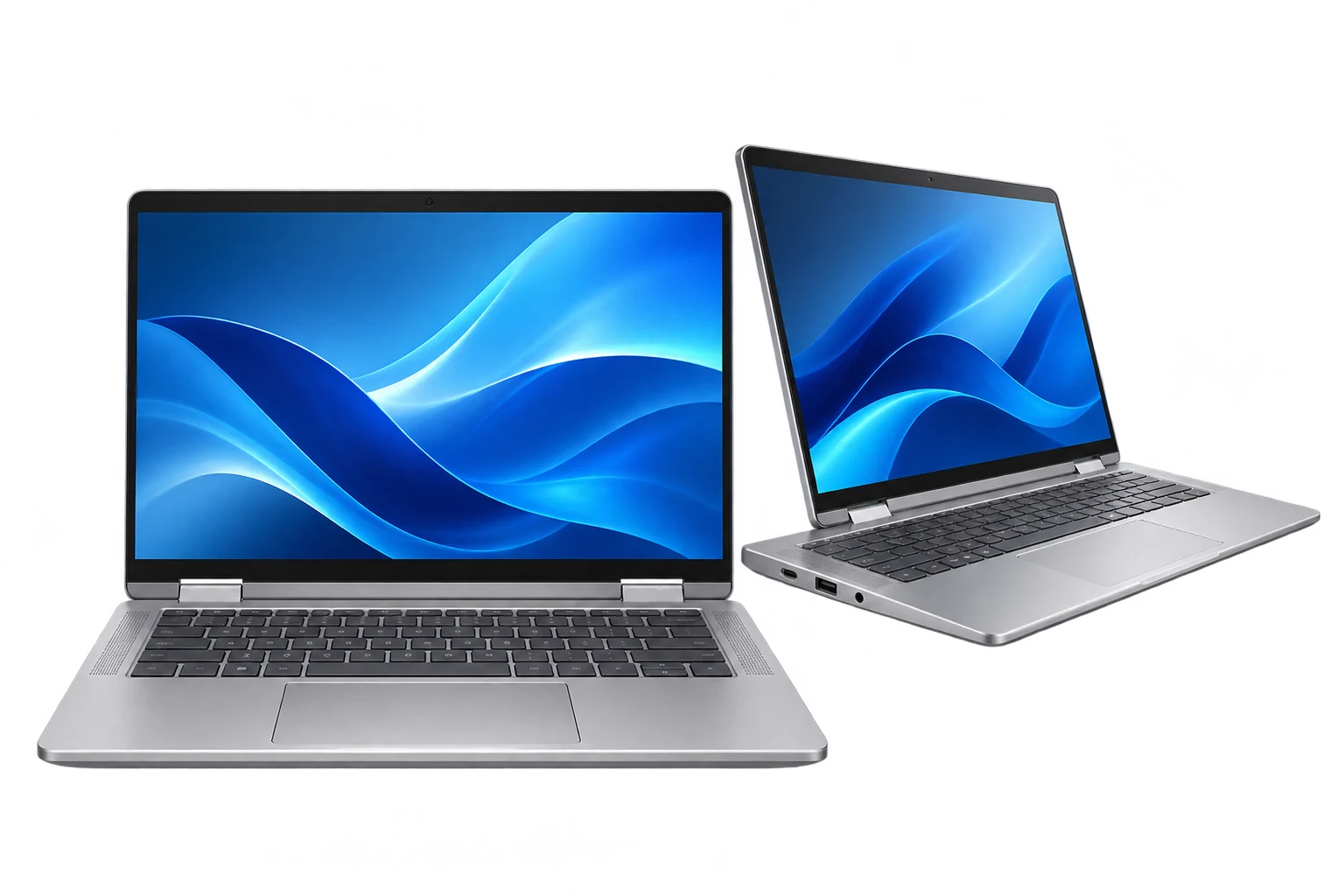
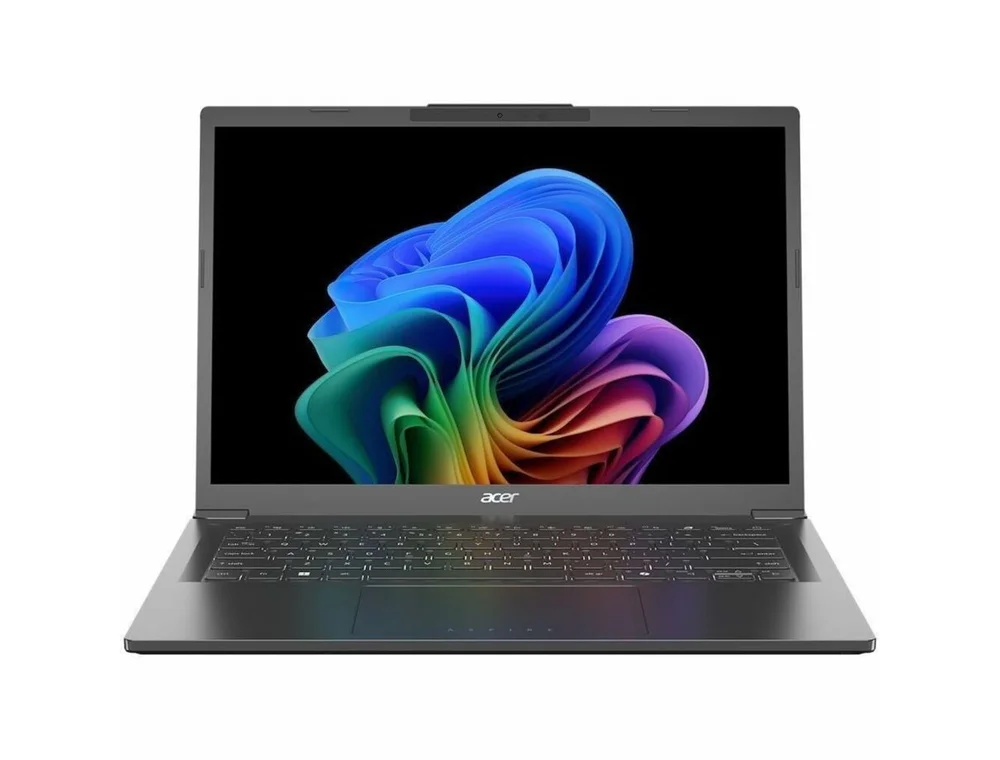
Two silver touchscreen-style laptops with blue abstract displays
Five touch optionsWindows and ChromeOSOLED choicesPen support varies
AI-created concept illustration. Product listings below show retailer images.

By Laptop Den editorial · Updated November 15, 2026

Affiliate disclosure: We may earn a commission if you buy through links on this page. Prices are observed item prices in USD, before any applicable tax or delivery charges. Our comparisons are research-based, with no hands-on testing claims.

THE SHORTLIST

Acer touchscreen laptops for different workloads

The Aspire 14 AI is the balanced everyday touch option here. Choose the Chromebook only after an app and update check, or pay for a Swift when its OLED panel or dedicated graphics solves a specific need.

Showing all 5 configurations. Offer information recorded November 4, 2026.

Affordable ChromeOS touch option7.2/10
Acer Chromebook 315

Acer Chromebook 315

A large FHD touchscreen with 8GB memory at the lowest recorded price here; ChromeOS compatibility and the exact update window determine its suitability.

Processor / graphics
Intel N50 / ChromeOS
Memory / storage
8GB RAM / 128GB flash storage
Display
15.6-inch FHD touch
$264.00New · AZ TECH
Read our assessment
Budget Windows touchscreen7.0/10
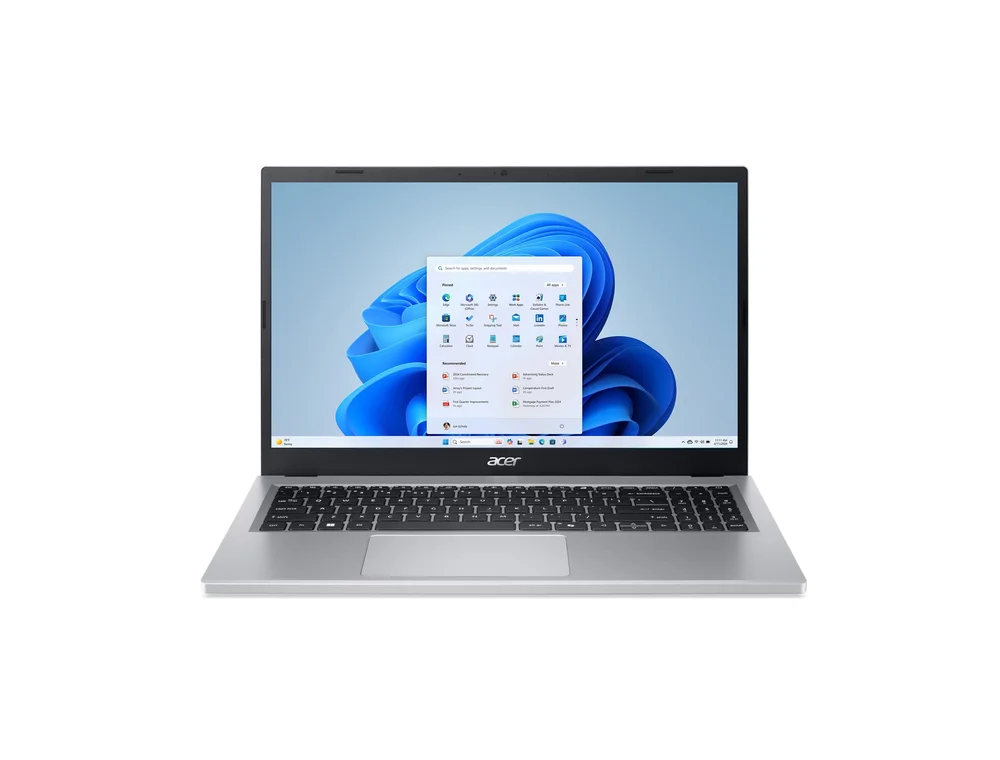
Acer Aspire Go 15

Acer Aspire Go 15

A FHD IPS touchscreen and 512GB SSD support basic Windows work, while the 8GB memory allocation is the main compromise against the Aspire 14.

Processor / graphics
Ryzen 5 7520U / integrated graphics
Memory / storage
8GB RAM / 512GB SSD
Display
15.6-inch FHD IPS touch
$489.00New · VeloCore Tech US
Read our assessment
Display-focused premium option7.8/10
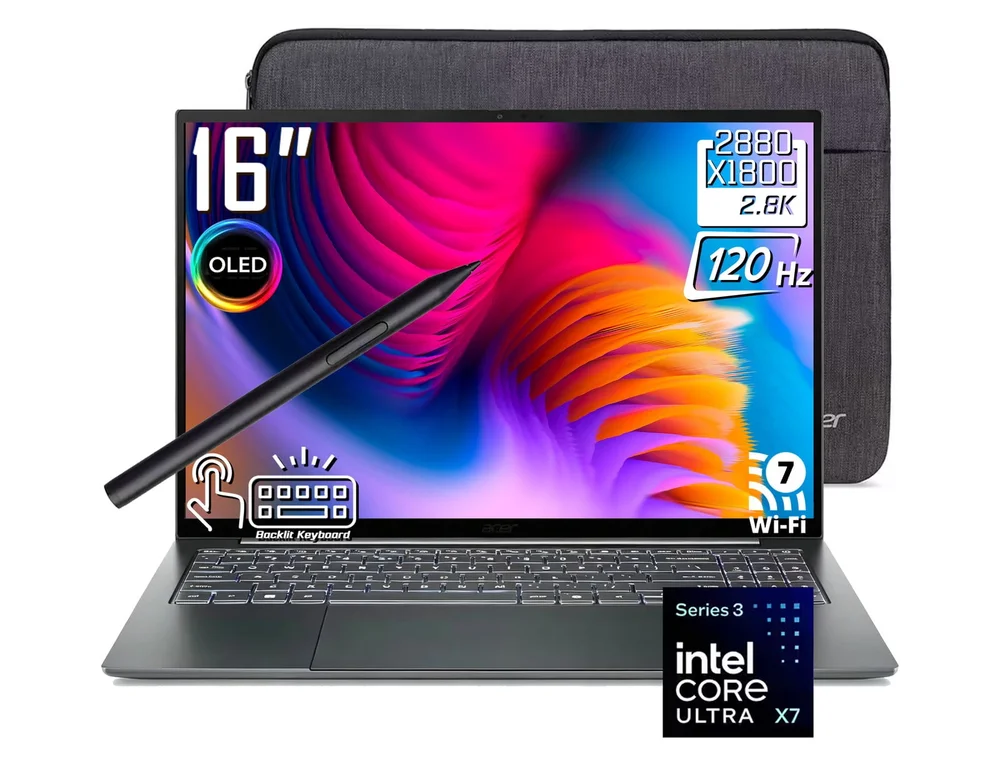
Acer Swift 16 AI

Acer Swift 16 AI

A larger 120Hz OLED touchscreen and 1TB SSD justify investigation when display format matters; confirm the selected SKU and advertised stylus bundle.

Processor / graphics
Core Ultra X7 358H / integrated graphics
Memory / storage
16GB RAM / 1TB SSD
Display
16-inch 2880 x 1800 OLED 120Hz touch
$1,205.88New · Rockystone Electronics LLC
Read our assessment
Compact OLED with dedicated graphics7.9/10
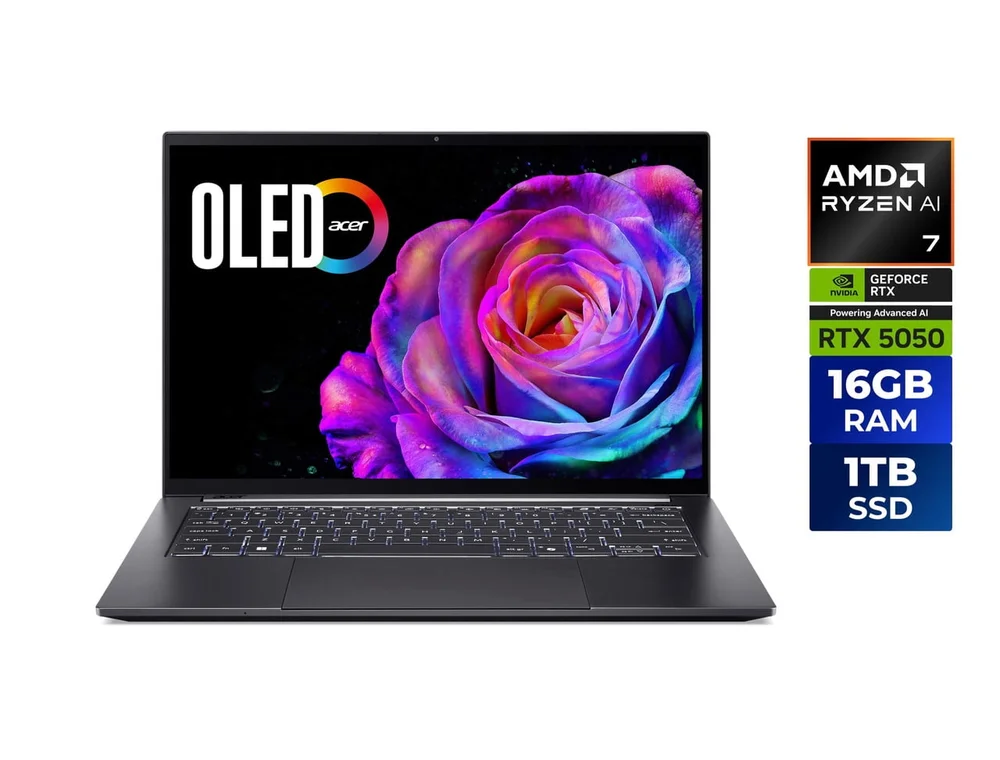
Acer Swift X 14 AI

Acer Swift X 14 AI

The compact high-resolution OLED touchscreen is paired with RTX 5050 graphics and 1TB storage, creating a targeted option for applications that use that GPU.

Processor / graphics
Ryzen AI 7 350 / RTX 5050 8GB
Memory / storage
16GB RAM / 1TB SSD
Display
14.5-inch 2880 x 1800 OLED 120Hz touch
$1,299.99New · Newegg Inc.
Read our assessment
Balanced everyday touch choice8.0/10
Acer Aspire 14 AI

Acer Aspire 14 AI

The middle-priced Aspire combines 16GB memory and a 512GB SSD with a smaller touchscreen, offering a practical step between the 8GB and premium OLED models.

Processor / graphics
Core Ultra 5 226V / integrated graphics
Memory / storage
16GB RAM / 512GB SSD
Display
14-inch touchscreen
$699.00New · GreatDeals Electronics
Read our assessment

Scores reflect the listed specifications, intended use and recorded offer within this guide. How our scores work.

The details behind your shortlist.

The specifications, trade-offs and reasoning behind each score.

CONFIGURATION 01 / 05

Lower-cost ChromeOS touchscreen

Acer Chromebook 315

Intel N50 / ChromeOS
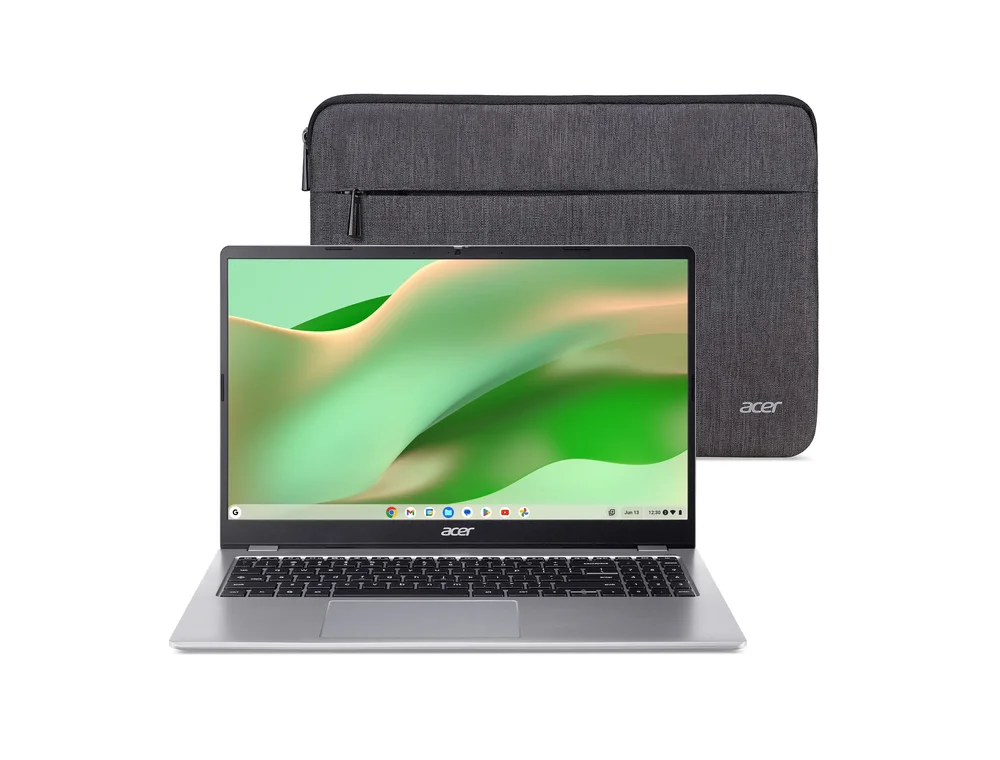
Acer Chromebook 315 product image from the linked listing
Our assessmentHow we assess it
7.2/ 10
Editorial scoreBased on listed specificationsNo hands-on testing
Memory
8GB RAM
Storage
128GB flash storage
FHD touch
15.6-inch
Observed price · $264.00
NewAZ TECH · Walmart
View listing at Walmart (opens in a new tab)

Lower-cost ChromeOS touchscreen

The Chromebook 315 is the least expensive way into a large touchscreen in this group. Its 8GB allocation is useful for a browser-focused school or home workflow. The operating system is the deciding factor: confirm that your required applications and peripherals work with ChromeOS before comparing it directly with Windows laptops.

A 15.6-inch FHD touch display offers more working space than a small tablet.

How we assess this configuration

We score the Chromebook at 7.2/10 for delivering 8GB memory and a large FHD touchscreen at the recorded $264. That is an attractive starting point for compatible browser-based work. The 128GB flash capacity and operating system make it a different purchase from the Windows options. Its score remains conditional on required applications, peripherals and the exact model’s automatic-update period meeting the buyer’s needs.

This is an editorial assessment of the published specification and offer information recorded November 4, 2026. We have not measured performance, display accuracy, keyboard feel, fan noise or battery life. Confirm the exact model, software support and selected seller's terms before purchasing.

Configuration and purchasing details
Configuration shown
Processor
Intel N50
Operating system
ChromeOS
Memory
8GB RAM
Storage
128GB flash storage
Display
15.6-inch FHD touch
Purchasing details
Listed seller
AZ TECH
Condition
New
Availability & delivery
Check retailer listing
Shipping & tax
Confirm at checkout
Returns & warranty
Check the selected seller's terms

Confirm the selected product, compatibility, seller and final total before ordering.

Offer information recorded Nov 4, 2026: Walmart listing (opens in a new tab). Prices, condition and availability may have changed.
Back to the comparison

CONFIGURATION 02 / 05

Lower-cost Windows touch option

Acer Aspire Go 15

Ryzen 5 7520U / integrated graphics

Acer Aspire Go 15 product image from the linked listing
Our assessmentHow we assess it
7.0/ 10
Editorial scoreBased on listed specificationsNo hands-on testing
Memory
8GB RAM
Storage
512GB SSD
FHD IPS touch
15.6-inch
Observed price · $489.00
NewVeloCore Tech US · Walmart
View listing at Walmart (opens in a new tab)

Lower-cost Windows touch option

The Aspire Go is the less expensive Windows alternative here. It supplies a larger SSD than the Chromebook and retains a 15.6-inch touch display. Its 8GB of memory is the compromise to weigh against the smaller Aspire 14 AI with 16GB.

The selected offer explicitly combines FHD IPS, touch input and a 512GB SSD.

How we assess this configuration

The Aspire Go receives 7.0/10 for offering a clearly listed FHD IPS touchscreen and 512GB SSD at the recorded $489. It is a lower-cost Windows entry in this Acer selection. The 8GB memory allocation limits its balance for more demanding multitasking, and an upgrade should not be assumed. Its score favors straightforward work with modest requirements over buying unconfirmed future flexibility.

This is an editorial assessment of the published specification and offer information recorded November 4, 2026. We have not measured performance, display accuracy, keyboard feel, fan noise or battery life. Confirm the exact model, software support and selected seller's terms before purchasing.

Configuration and purchasing details
Configuration shown
Processor
Ryzen 5 7520U
Graphics
integrated graphics
Memory
8GB RAM
Storage
512GB SSD
Display
15.6-inch FHD IPS touch
Purchasing details
Listed seller
VeloCore Tech US
Condition
New
Availability & delivery
Check retailer listing
Shipping & tax
Confirm at checkout
Returns & warranty
Check the selected seller's terms

Confirm the selected product, compatibility, seller and final total before ordering.

Offer information recorded Nov 4, 2026: Walmart listing (opens in a new tab). Prices, condition and availability may have changed.

Back to the comparison

CONFIGURATION 03 / 05

Large OLED touchscreen

Acer Swift 16 AI

Core Ultra X7 358H / integrated graphics

Acer Swift 16 AI product image from the linked listing
Our assessmentHow we assess it
7.8/ 10
Editorial scoreBased on listed specificationsNo hands-on testing
Memory
16GB RAM
Storage
1TB SSD
2880 × 1800 OLED touch
16-inch · 120Hz
Observed price · $1,205.88
NewRockystone Electronics LLC · Walmart
View listing at Walmart (opens in a new tab)

Large OLED touchscreen

The Swift 16 is for buyers who specifically want a larger high-resolution OLED touch panel. It doubles the Aspire 14 storage allocation and costs substantially more. The display is the clearest reason for that spending, rather than an assumption that every Swift model serves the same workload.

The seller lists a stylus with this configuration, worth confirming if pen input is part of your plan.

How we assess this configuration

We assign 7.8/10 to the Swift 16 for its specified 2880 × 1800 OLED touchscreen and 1TB SSD. At the recorded $1,205.88, it requires a stronger display-related reason than ordinary touch input alone. The listed 16GB memory is shared with cheaper choices, while exact pen inclusion and memory details need confirmation. Those unresolved points keep this a focused premium option within the shortlist.

This is an editorial assessment of the published specification and offer information recorded November 4, 2026. We have not measured performance, display accuracy, keyboard feel, fan noise or battery life. Confirm the exact model, software support and selected seller's terms before purchasing.

Configuration and purchasing details
Configuration shown
Processor
Core Ultra X7 358H
Graphics
integrated graphics
Memory
16GB RAM
Storage
1TB SSD
Display
16-inch 2880 x 1800 OLED 120Hz touch
Purchasing details
Listed seller
Rockystone Electronics LLC
Condition
New
Availability & delivery
Check retailer listing
Shipping & tax
Confirm at checkout
Returns & warranty
Check the selected seller's terms

Confirm the selected product, compatibility, seller and final total before ordering.

Offer information recorded Nov 4, 2026: Walmart listing (opens in a new tab). Prices, condition and availability may have changed.

Back to the comparison

CONFIGURATION 04 / 05

OLED touch with dedicated graphics

Acer Swift X 14 AI

Ryzen AI 7 350 / RTX 5050 8GB

Acer Swift X 14 AI product image from the linked listing
Our assessmentHow we assess it
7.9/ 10
Editorial scoreBased on listed specificationsNo hands-on testing
Memory
16GB RAM
Storage
1TB SSD
2880 × 1800 OLED touch
14.5-inch · 120Hz
Observed price · $1,299.99
NewNewegg Inc. · Walmart
View listing at Walmart (opens in a new tab)

OLED touch with dedicated graphics

The Swift X combines the touch and OLED features with a dedicated NVIDIA GPU. That is the reason to consider it over the larger Swift 16 when your application benefits from that graphics hardware. Its compact screen and 1TB SSD offer a different balance from the cheaper Aspire models.

The SFX14-61G-R9QE specification identifies both the high-resolution touch panel and graphics memory.

How we assess this configuration

The Swift X earns 7.9/10 for combining a specified 120Hz OLED touchscreen, dedicated RTX 5050 graphics and a 1TB SSD in this compact screen format. Its recorded $1,299.99 price is easier to explain when the intended software benefits from that graphics configuration. The 16GB memory allocation remains a purchase-time constraint, and we leave sustained performance, cooling and pen-related assumptions unscored.

This is an editorial assessment of the published specification and offer information recorded November 4, 2026. We have not measured performance, display accuracy, keyboard feel, fan noise or battery life. Confirm the exact model, software support and selected seller's terms before purchasing.

Configuration and purchasing details
Configuration shown
Processor
Ryzen AI 7 350
Graphics
RTX 5050 8GB
Memory
16GB RAM
Storage
1TB SSD
Display
14.5-inch 2880 x 1800 OLED 120Hz touch
Purchasing details
Listed seller
Newegg Inc.
Condition
New
Availability & delivery
Check retailer listing
Shipping & tax
Confirm at checkout
Returns & warranty
Check the selected seller's terms

Confirm the selected product, compatibility, seller and final total before ordering.

Offer information recorded Nov 4, 2026: Walmart listing (opens in a new tab). Prices, condition and availability may have changed.

Back to the comparison

CONFIGURATION 05 / 05

Our everyday touch starting point

Acer Aspire 14 AI

Core Ultra 5 226V / integrated graphics

Acer Aspire 14 AI product image from the linked listing
Our assessmentHow we assess it
8.0/ 10
Editorial scoreBased on listed specificationsNo hands-on testing
Memory
16GB RAM
Storage
512GB SSD
touchscreen
14-inch
Observed price · $699.00
NewGreatDeals Electronics · Walmart
View listing at Walmart (opens in a new tab)

Our everyday touch starting point

The Aspire 14 offers a useful midpoint between the lower-cost 8GB machines and the OLED Swift models. Its 16GB of memory gives ordinary multitasking more room without requiring a dedicated-graphics budget. Choose it when a smaller display fits your work better than the 15.6-inch alternatives.

The A14-52MT-53EH model number helps keep this touchscreen offer separate from non-touch Aspire variants.

How we assess this configuration

We score the Aspire 14 at 8.0/10 within this Acer touch selection. The recorded $699 price gives it 16GB memory and a 512GB SSD without requiring the OLED models’ substantially higher spend. That balance suits ordinary multitasking on a smaller display. The score does not assume convertible operation, active-pen support or a particular resolution; the exact A14-52MT-53EH specifications still need matching to the offer.

This is an editorial assessment of the published specification and offer information recorded November 4, 2026. We have not measured performance, display accuracy, keyboard feel, fan noise or battery life. Confirm the exact model, software support and selected seller's terms before purchasing.

Configuration and purchasing details
Configuration shown
Processor
Core Ultra 5 226V
Graphics
integrated graphics
Memory
16GB RAM
Storage
512GB SSD
Display
14-inch touchscreen
Purchasing details
Listed seller
GreatDeals Electronics
Condition
New
Availability & delivery
Check retailer listing
Shipping & tax
Confirm at checkout
Returns & warranty
Check the selected seller's terms

Confirm the selected product, compatibility, seller and final total before ordering.

Offer information recorded Nov 4, 2026: Walmart listing (opens in a new tab). Prices, condition and availability may have changed.

Back to the comparison

BEFORE YOU BUY

Touch is the beginning.
The rest still matters.

A touchscreen can be useful for navigation, but operating system, memory and display quality make these five offers very different purchases.

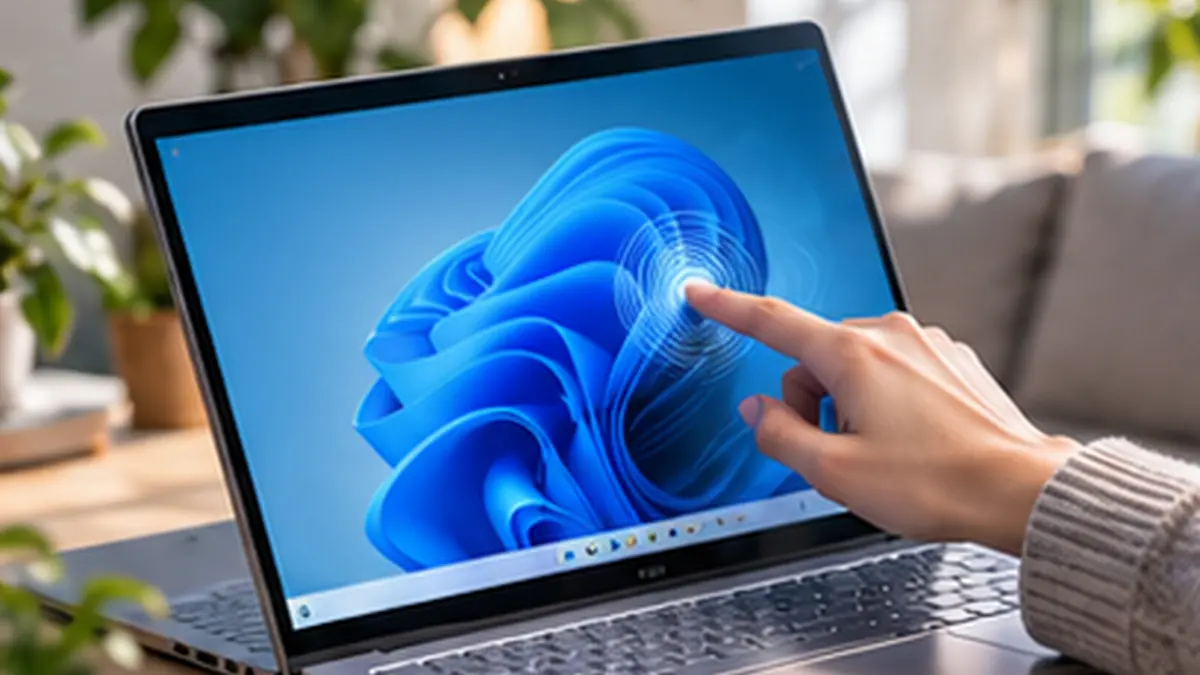
AI-generated editorial image for Acer touchscreen laptops for different workloads
AI-generated editorial image. Product appearance and specifications should be checked against the actual listing.

Confirm your operating system

The Chromebook 315 uses ChromeOS. The other four offers are Windows machines. Check school software, desktop applications and peripherals before comparing the prices. A lower-priced Chromebook is only good value when the required workflow runs on it.

Separate touch from pen support

A touchscreen accepts direct input, but that does not prove active-pen compatibility or a convertible hinge. If handwriting is the goal, verify the exact pen protocol and included accessories. The Swift 16 seller lists a pen, which still needs confirmation in the order.

Pay for OLED with a purpose

The Swift models offer higher-resolution OLED panels at higher prices. Consider workspace, reflections and your application needs. A vivid-looking display is not evidence of measured color accuracy, and the larger 16-inch panel has different handling implications from the 14.5-inch Swift X.

Compare the closest alternative

For a different brand with the same direct-screen priority, see our Dell touchscreen comparison. For a lower spending limit, the under-$1,000 guide puts the Aspire 14 beside other everyday options.

OUR APPROACH

How our scores work

A score for the listed product and the needs covered by this guide.

We consider the processor and graphics, memory, storage, display, condition and recorded price. Each product's assessment explains the reasons for its score and the details still needing confirmation.

Scores in the 8s indicate a strong fit on paper within the shortlist. Scores in the 7s reflect meaningful compromises; lower scores flag narrower use cases, weaker value or substantial uncertainty. Scores depend on the guide's purpose and the selected offer, so the same product may score differently in another comparison.

These are editorial judgments based on published information. We have not performed hands-on testing. Offer information was recorded November 4, 2026; current price, seller, condition and availability must be checked.

COMMON QUESTIONS

The details
worth checking.

Which Acer touchscreen is the everyday starting point?

The Aspire 14 AI combines 16GB RAM with a 512GB SSD at a lower price than the OLED Swift options. It is our starting point when a 14-inch display suits your work and dedicated graphics are not a requirement.

Can I run Windows programs on the Chromebook 315?

Do not assume Windows desktop applications will run on ChromeOS. Confirm a supported web or ChromeOS version of each required tool. School portals may work in a browser, while specialist desktop software or peripheral drivers may require a Windows machine.

Does every touchscreen work with a stylus?

No. Finger touch and active-pen support are separate specifications. Check the exact laptop SKU and compatible pen technology. A passive capacitive stylus does not provide the same pressure sensitivity or palm-rejection behavior as a supported active pen.

Which Acer here has dedicated NVIDIA graphics?

The Swift X 14 AI SFX14-61G-R9QE lists an RTX 5050 with 8GB graphics memory. Its 14.5-inch OLED touch panel is also specified. See Acer's exact model page and verify the retailer configuration before purchasing.

How long will the Chromebook receive updates?

The answer depends on the exact model and its automatic-update schedule. It is not a fresh ten-year period from your purchase date. Check the device model against Google's update policy before buying, especially for school use over several years.

Is the Swift 16 automatically better than the Swift X?

No. The Swift 16 offers the larger screen, while the Swift X adds a dedicated GPU in a smaller format. Choose according to your applications and preferred workspace. The family name and diagonal size do not establish an overall performance winner.

A PLACE TO START

Acer Aspire 14 AI

8.0/10Balanced everyday touch choice

The Aspire 14 AI is the balanced everyday touch option here. Choose the Chromebook only after an app and update check, or pay for a Swift when its OLED panel or dedicated graphics solves a specific need.

Review the configuration
Acer Aspire 14 AI