HP 17-inch laptops for a larger workspace More screen to work with.
Capacity that makes sense.

Compare three HP 17.3-inch laptops by memory, storage and everyday features. Find the useful difference between Essential, 17t and OmniBook offers.

Compare 3 configurations
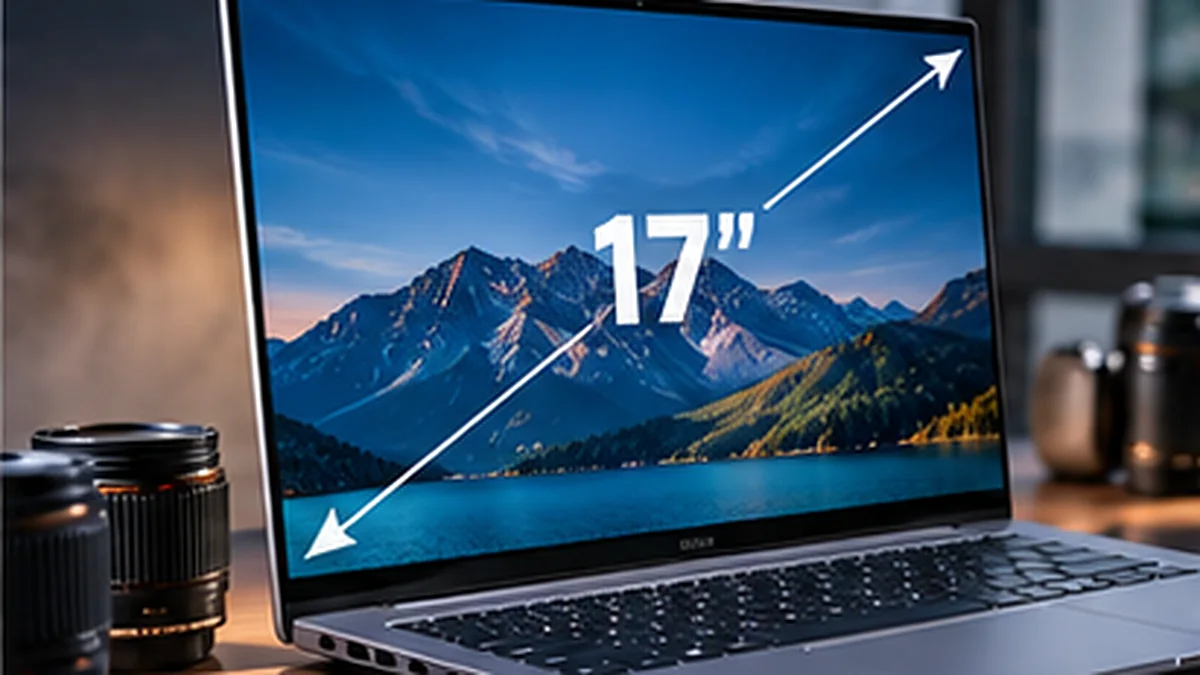
Concept illustration of hp 17-inch laptops for a larger workspace
17.3-inch displays8GB or 16GB256GB or 512GBDesk-first comparison
AI-created concept illustration. Product listings below show retailer images.

By Laptop Den editorial · Updated November 15, 2026

Affiliate disclosure: We may earn a commission if you buy through links on this page. Prices are observed item prices in USD, before any applicable tax or delivery charges. Our comparisons are research-based, with no hands-on testing claims.

THE SHORTLIST

HP 17-inch laptops for a larger workspace

Compare the OmniBook when 16GB is useful. The 17t adds storage and a named IPS panel over the Essential, while retaining 8GB RAM. Choose the lower-capacity Essential only when it meets the workload and offers a worthwhile saving.

Showing all 3 configurations. Offer information recorded November 4, 2026.

Scores reflect the listed specifications, intended use and recorded offer within this guide. How our scores work.

The details behind your shortlist.

The specifications, trade-offs and reasoning behind each score.

CONFIGURATION 01 / 03

The smaller storage configuration

HP Essential 17.3

Ryzen 5 7430U / integrated graphics
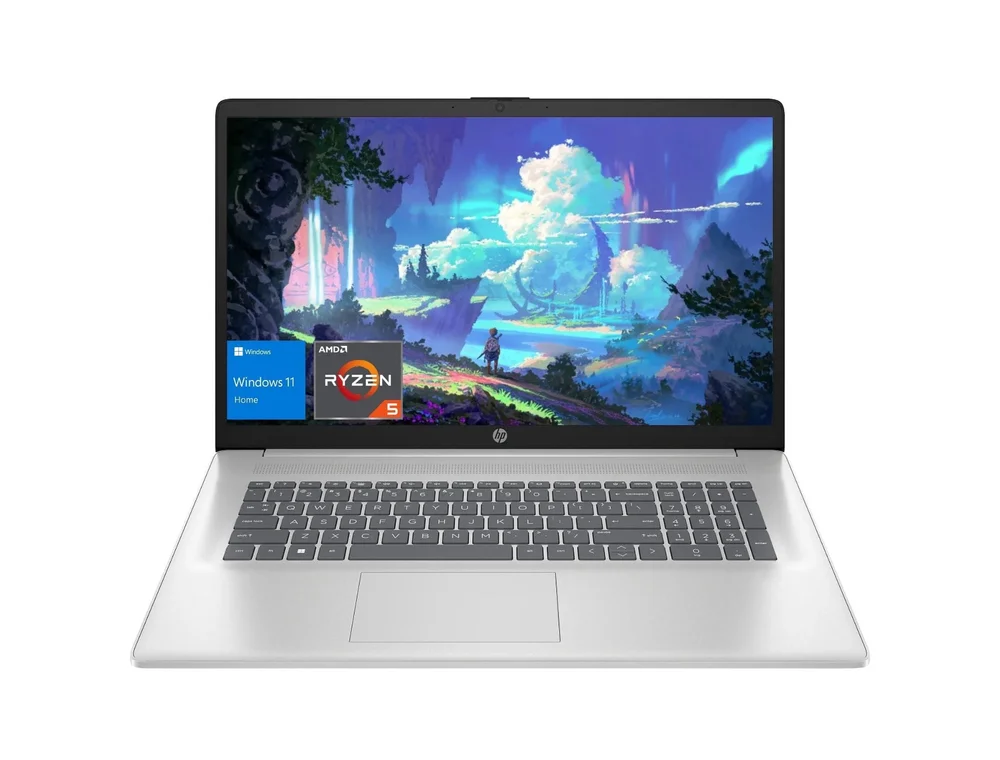
HP Essential 17.3 product image from the linked listing
Our assessmentHow we assess it
7.3/ 10
Editorial scoreBased on listed specificationsNo hands-on testing
Memory
8GB RAM
Storage
256GB SSD
Listed large display
17.3-inch FHD
Observed price · $548.83
NewPCOnline US · Walmart
View listing at Walmart (opens in a new tab)

The smaller storage configuration

The Essential is the simpler capacity choice in this HP trio. Its 8GB memory and 256GB SSD may be sufficient for a modest document and browsing workflow, but leave less room than the other configurations. Check price and return terms before treating the larger screen as the only deciding factor.

It provides the same nominal screen diagonal without requiring the highest specification here.

How we assess this configuration

The recorded $548.83 provides the lowest-cost route to a 17.3-inch screen in this three-model comparison. The saving is accompanied by an 8GB and 256GB capacity combination, so it suits a narrower brief than the OmniBook. We score the Essential positively for basic document work while keeping the smaller drive and incomplete chassis identification visible. A large screen alone does not offset those configuration limits.

This is an editorial assessment of the published specification and offer information recorded November 4, 2026. We have not measured performance, display accuracy, keyboard feel, fan noise or battery life. Confirm the exact model, software support and selected seller's terms before purchasing.

Configuration and purchasing details
Configuration shown
Processor
Ryzen 5 7430U
Graphics / platform
integrated graphics
Memory
8GB RAM
Storage
256GB SSD
Display
17.3-inch FHD
Purchasing details
Listed seller
PCOnline US
Condition
New
Availability & delivery
Check retailer listing
Shipping & tax
Confirm at checkout
Returns & warranty
Check the selected seller's terms

Confirm the selected product, compatibility, seller and final total before ordering.

Offer information recorded Nov 4, 2026: Walmart listing (opens in a new tab). Prices, condition and availability may have changed.
Back to the comparison

CONFIGURATION 02 / 03

More storage with 8GB memory

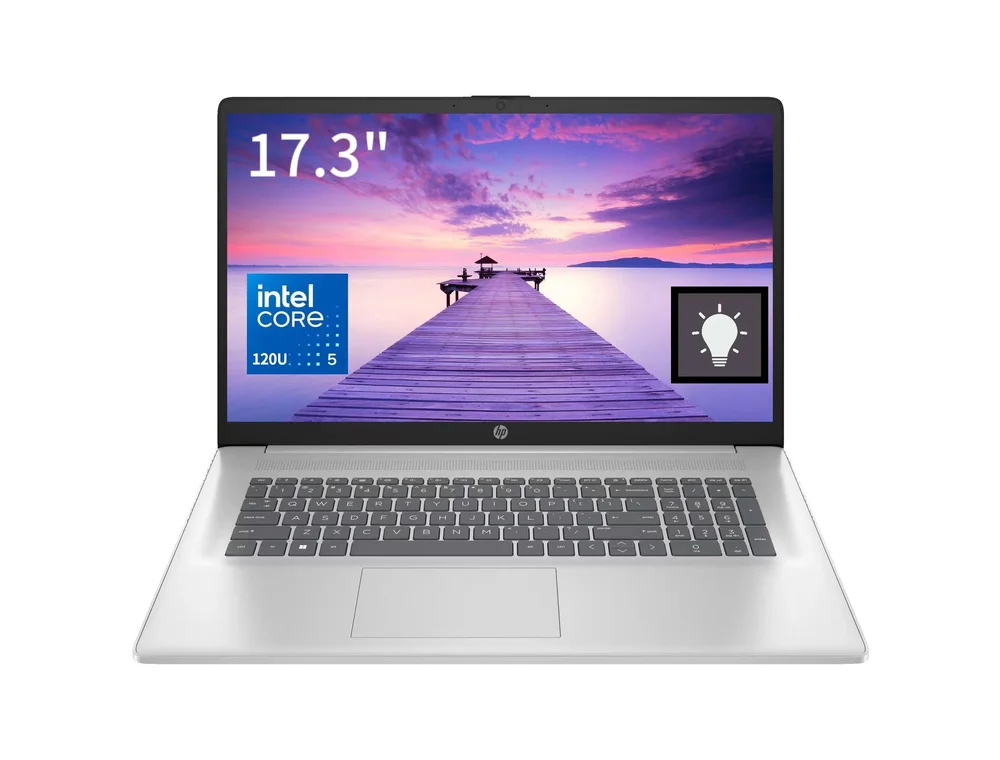
HP 17t-cn400

Core 5 120U / integrated graphics

HP 17t-cn400 product image from the linked listing
Our assessmentHow we assess it
7.6/ 10
Editorial scoreBased on listed specificationsNo hands-on testing
Memory
8GB RAM
Storage
512GB SSD
Listed IPS display
17.3-inch FHD
Observed price · $699.99
NewXiaMi Electronics LLC · Walmart
View listing at Walmart (opens in a new tab)

More storage with 8GB memory

The 17t-cn400 doubles the Essential storage allocation while retaining 8GB of RAM. Its listed IPS panel, backlit keyboard and numeric keypad are useful details for a desk-based workflow. The memory difference versus the OmniBook is more relevant than a simple processor-name ranking.

A named model and listed IPS display make the configuration easier to compare.

How we assess this configuration

The recorded $699.99 buys twice the Essential's SSD capacity plus a listed FHD IPS screen and desk-oriented keyboard features. Those are tangible improvements, though 8GB RAM remains the same. The 16GB OmniBook is roughly $150 more, making working-memory needs central to this choice. We score the 17t as a reasonable middle option after confirming the seller's configuration and warranty for any changes.

This is an editorial assessment of the published specification and offer information recorded November 4, 2026. We have not measured performance, display accuracy, keyboard feel, fan noise or battery life. Confirm the exact model, software support and selected seller's terms before purchasing.

Configuration and purchasing details
Configuration shown
Processor
Core 5 120U
Graphics / platform
integrated graphics
Memory
8GB RAM
Storage
512GB SSD
Display
17.3-inch FHD IPS
Purchasing details
Listed seller
XiaMi Electronics LLC
Condition
New
Availability & delivery
Check retailer listing
Shipping & tax
Confirm at checkout
Returns & warranty
Check the selected seller's terms

Confirm the selected product, compatibility, seller and final total before ordering.

Offer information recorded Nov 4, 2026: Walmart listing (opens in a new tab). Prices, condition and availability may have changed.

Back to the comparison

CONFIGURATION 03 / 03

More memory for a larger workload

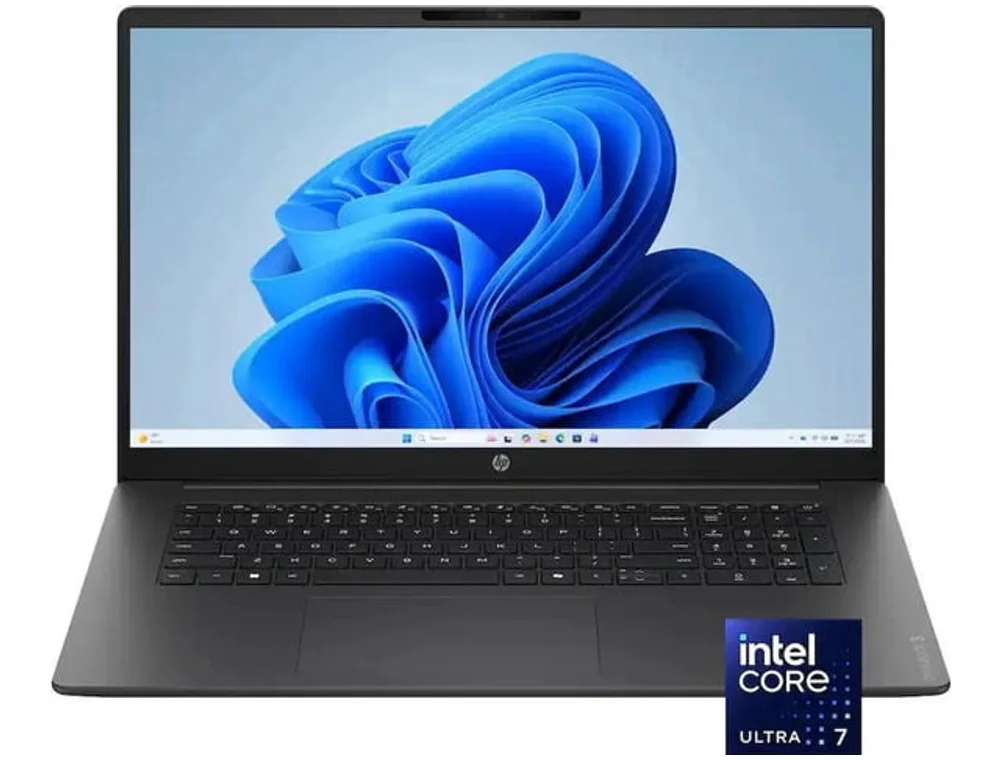
HP OmniBook 3 17.3

Core Ultra 7 255U / integrated graphics

HP OmniBook 3 17.3 product image from the linked listing
Our assessmentHow we assess it
8.1/ 10
Editorial scoreBased on listed specificationsNo hands-on testing
Memory
16GB RAM
Storage
512GB SSD
Listed 16GB configuration
17.3-inch FHD
Observed price · $849.96
NewRock eDigital · Walmart
View listing at Walmart (opens in a new tab)

More memory for a larger workload

The OmniBook is the 16GB option in this three-model group. That extra memory is a concrete reason to compare it for heavier multitasking, while the SSD capacity matches the 17t. Check the exact panel and seller rather than assuming every OmniBook 3 shares the same components.

Twice the listed memory of the other two offers leaves more room for concurrent applications.

How we assess this configuration

At the recorded $849.96, the OmniBook supplies twice the memory of both alternatives while matching the 17t's SSD capacity. That provides the most convincing reason for spending more when several applications need to stay open. We score it highest in this specific HP comparison for that capacity balance. Exact panel details, SKU and the supplied Pro license still need checking before attaching value to the processor tier or software label.

This is an editorial assessment of the published specification and offer information recorded November 4, 2026. We have not measured performance, display accuracy, keyboard feel, fan noise or battery life. Confirm the exact model, software support and selected seller's terms before purchasing.

Configuration and purchasing details
Configuration shown
Processor
Core Ultra 7 255U
Graphics / platform
integrated graphics
Memory
16GB RAM
Storage
512GB SSD
Display
17.3-inch FHD
Purchasing details
Listed seller
Rock eDigital
Condition
New
Availability & delivery
Check retailer listing
Shipping & tax
Confirm at checkout
Returns & warranty
Check the selected seller's terms

Confirm the selected product, compatibility, seller and final total before ordering.

Offer information recorded Nov 4, 2026: Walmart listing (opens in a new tab). Prices, condition and availability may have changed.

Back to the comparison

BEFORE YOU BUY

Choose the capacity.
Keep the bigger view.

The screen diagonal is shared. Memory, SSD capacity and the exact panel separate these configurations.

AI-generated editorial image for HP 17-inch laptops for a larger workspace
AI-generated editorial image. Product appearance and specifications should be checked against the actual listing.

Check the memory requirement

The Essential and 17t list 8GB, while the OmniBook has 16GB. More memory can help when applications compete for capacity. Confirm upgrade options rather than assuming an inexpensive change later.

Compare the actual display

All list FHD, but only the 17t title explicitly identifies IPS. Check brightness, finish and viewing-angle information for each exact model. FHD resolution alone does not establish equivalent panel quality.

Keep business claims specific

Windows 11 Pro can provide useful management features, but the name does not establish suitability for every business. Confirm application requirements, warranty and support arrangements for the selected seller configuration.

Plan the carrying setup

These are large laptops, so check chassis and charger weight. Our 17-inch case guide explains why compartment dimensions matter more than a matching screen-size label.

OUR APPROACH

How our scores work

A score for the listed product and the needs covered by this guide.

We consider the processor and graphics, memory, storage, display, condition and recorded price. Each product's assessment explains the reasons for its score and the details still needing confirmation.

Scores in the 8s indicate a strong fit on paper within the shortlist. Scores in the 7s reflect meaningful compromises; lower scores flag narrower use cases, weaker value or substantial uncertainty. Scores depend on the guide's purpose and the selected offer, so the same product may score differently in another comparison.

These are editorial judgments based on published information. We have not performed hands-on testing. Offer information was recorded November 4, 2026; current price, seller, condition and availability must be checked.

COMMON QUESTIONS

The details
worth checking.

Which HP has the most memory?

The selected OmniBook 3 has 16GB, twice the Essential and 17t configurations. That is a useful distinction for multitasking. It does not establish upgradeability or guarantee that every OmniBook 3 offer has the same memory.

Does the 17t have more storage than the Essential?

Yes. The selected 17t lists a 512GB SSD compared with the Essential 256GB SSD. The OmniBook also lists 512GB. Check the final configuration because sellers may offer several capacities on one page.

Are all three screens the same?

They share a listed 17.3-inch FHD format, but panel type, brightness and finish can differ. The 17t title identifies IPS. Verify the exact model specifications before assuming identical viewing angles or outdoor readability.

Do I need Windows 11 Pro for office work?

Ordinary documents, email and browsing do not automatically require Pro. Choose it for specific management or security features your organization needs. Verify the license and application requirements instead of paying for the edition name alone.

Can I add RAM to the cheaper models?

Check the service documentation for the exact model and installed configuration. Memory layout and supported capacities can vary. Price a compatible upgrade and any installation cost before assuming it will be cheaper than buying 16GB initially.

Is a 17-inch laptop practical for daily travel?

That depends on the full weight, dimensions and charger rather than screen size alone. Try the carrying setup if possible. A large display can suit a desk well while being inconvenient for a crowded commute.

A PLACE TO START

HP OmniBook 3 17.3

8.1/10Strongest multitasking allocation

Compare the OmniBook when 16GB is useful. The 17t adds storage and a named IPS panel over the Essential, while retaining 8GB RAM. Choose the lower-capacity Essential only when it meets the workload and offers a worthwhile saving.

Review the configuration
HP OmniBook 3 17.3