Razer Blade 14, 16 and 18 laptop families Choose your scale.
Then your configuration.

Compare Razer Blade 14, 16 and 18 families by form factor and buying priorities. Choose an exact current configuration on the manufacturer site.

Compare 3 families
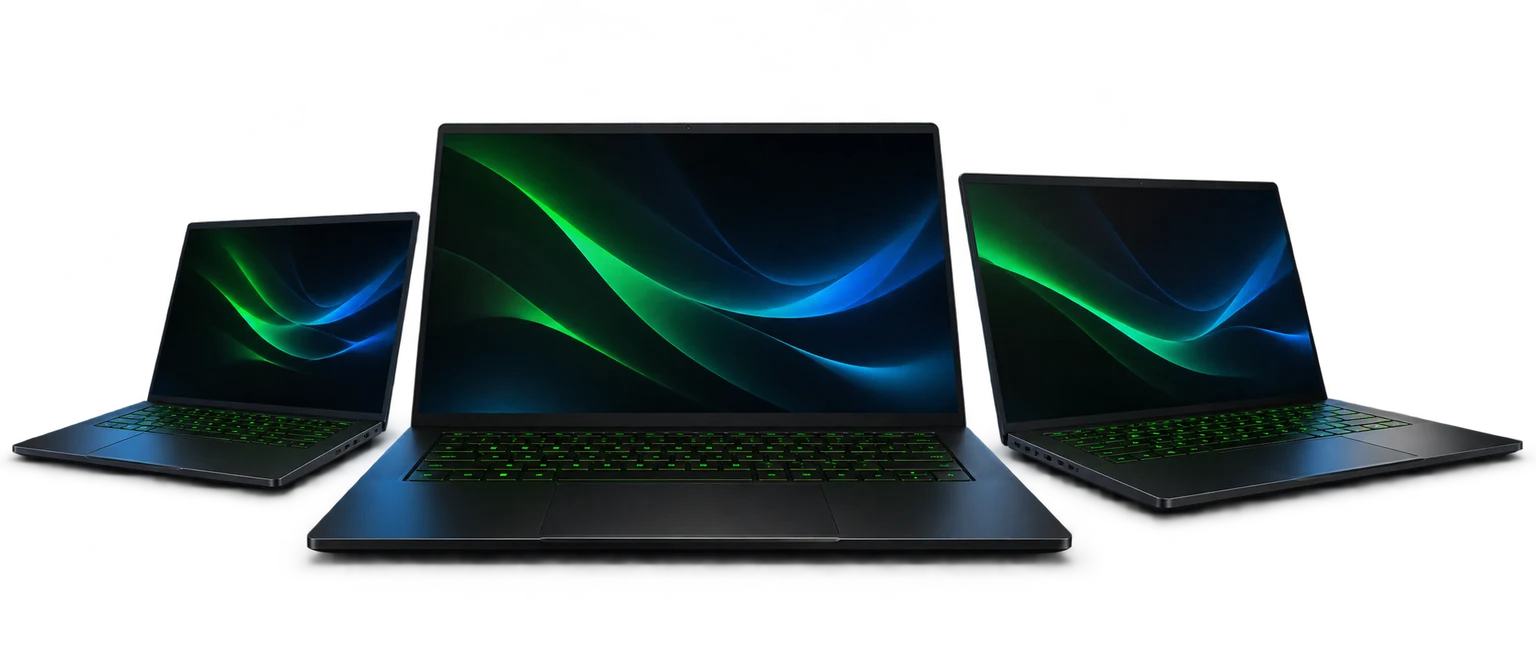
Concept illustration of razer blade 14, 16 and 18 laptop families
3 Blade familiesChoose the exact SKUModel year mattersManufacturer listings
AI-created concept illustration. Product listings below show retailer images.

By Laptop Den editorial · Updated November 15, 2026

Affiliate disclosure: We may earn a commission if you buy through links on this page. Prices are observed item prices in USD, before any applicable tax or delivery charges. Our comparisons are research-based, with no hands-on testing claims.

THE SHORTLIST

Razer Blade 14, 16 and 18 laptop families

Use the Blade 16 as a middle-size starting point. Choose the 14 or 18 for a defined size preference, then verify the exact hardware, availability and price on Razer. This is a family comparison, not a fixed-offer ranking.

Showing all 3 families. Offer information recorded November 4, 2026.

Scores reflect the listed specifications, intended use and recorded offer within this guide. How our scores work.

The details behind your shortlist.

The specifications, trade-offs and reasoning behind each score.

OPTION 01 / 03

The compact family to investigate

Razer Blade 14 family

Choose current CPU and GPU configuration
Razer Blade 14 family product image from the linked listing
Our assessmentHow we assess it
6.0/ 10
Listing scoreBased on listed specificationsNo hands-on testing
Nominal display format
14-inch family
CPU, GPU and memory vary
Choose a build
Price and availability
Check selected offer
Offer record · Price not verified
NewRazer manufacturer store · Razer
Choose configuration at Razer (opens in a new tab)

Recorded offer status: Choose a configuration. Confirm the current offer directly with the retailer.

The compact family to investigate

The Blade 14 is the starting point when you want the smaller form factor in this Razer comparison. The linked manufacturer page can change by generation and region, so treat it as a configuration selector. Confirm the exact dimensions, weight and hardware before comparing its price with a larger Blade.

The smaller nominal display format is the clearest distinction from the Blade 16 and 18 families.

How we assess this listing

This score reflects the family page's usefulness for beginning a compact Razer shortlist. The nominal 14-inch format is a clear distinction, but CPU, GPU, memory and storage vary with the selected generation and offer. Without an exact SKU and observed price, a performance or value ranking would be premature. Record those details and the actual dimensions before comparing it with a larger Blade configuration.

This is an editorial assessment of the published specification and offer information recorded November 4, 2026. Missing prices, availability or configuration details limit the assessment; confirm the exact purchasable item before using this score to make a decision. We have not tested this product.

Configuration and purchasing details
Configuration shown
Family
Razer Blade 14 family
Screen format
14-inch family, check selected generation
Processor & graphics
Vary by selected model year and SKU
Memory & storage
Vary by selected configuration
Observed item price
No fixed offer price recorded
Buying status
Choose an exact available configuration
Purchasing details
Listed seller
Razer manufacturer store
Condition
New
Availability & delivery
Choose a configuration
Shipping & tax
Confirm at checkout
Returns & warranty
Check the selected seller's terms

Confirm the selected product, compatibility, seller and final total before ordering.

Offer information recorded Nov 4, 2026: Razer listing (opens in a new tab). Prices, condition and availability may have changed.
Back to the comparison

OPTION 02 / 03

A middle screen-size option

Razer Blade 16 family

Choose current CPU and GPU configuration

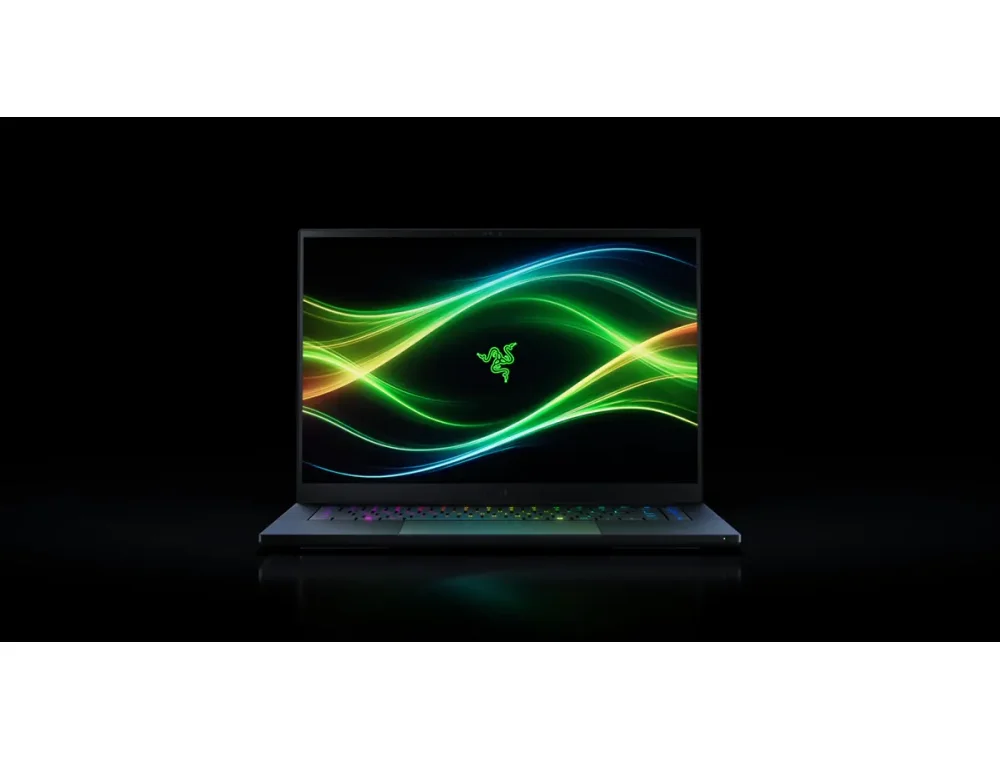
Razer Blade 16 family product image from the linked listing
Our assessmentHow we assess it
6.2/ 10
Listing scoreBased on listed specificationsNo hands-on testing
Nominal display format
16-inch family
CPU, GPU and memory vary
Choose a build
Price and availability
Check selected offer
Offer record · Price not verified
NewRazer manufacturer store · Razer
Choose configuration at Razer (opens in a new tab)

Recorded offer status: Choose a configuration. Confirm the current offer directly with the retailer.

A middle screen-size option

The Blade 16 is the middle-size family in this selection. It is worth investigating when the Blade 14 feels too compact but an 18-inch chassis is more than you want to carry. Compare exact GPU power, panel and memory configurations instead of assuming the larger number means a uniform performance increase.

The 16-inch format offers a different balance of screen area and chassis size.

How we assess this listing

The 16-inch family provides a logical middle point between the smaller Blade 14 and desk-focused Blade 18. That makes the page useful for narrowing the form factor, which is what this score assesses. It does not identify one purchasable configuration with a verified price. Selected panel, GPU power, memory and model year must be recorded together before judging performance, portability or value against either neighboring family.

This is an editorial assessment of the published specification and offer information recorded November 4, 2026. Missing prices, availability or configuration details limit the assessment; confirm the exact purchasable item before using this score to make a decision. We have not tested this product.

Configuration and purchasing details
Configuration shown
Family
Razer Blade 16 family
Screen format
16-inch family, check selected panel
Processor & graphics
Vary by selected model year and SKU
Memory & storage
Vary by selected configuration
Observed item price
No fixed offer price recorded
Buying status
Choose an exact available configuration
Purchasing details
Listed seller
Razer manufacturer store
Condition
New
Availability & delivery
Choose a configuration
Shipping & tax
Confirm at checkout
Returns & warranty
Check the selected seller's terms

Confirm the selected product, compatibility, seller and final total before ordering.

Offer information recorded Nov 4, 2026: Razer listing (opens in a new tab). Prices, condition and availability may have changed.

Back to the comparison

OPTION 03 / 03

The largest desk-focused format

Razer Blade 18 family

Choose current CPU and GPU configuration

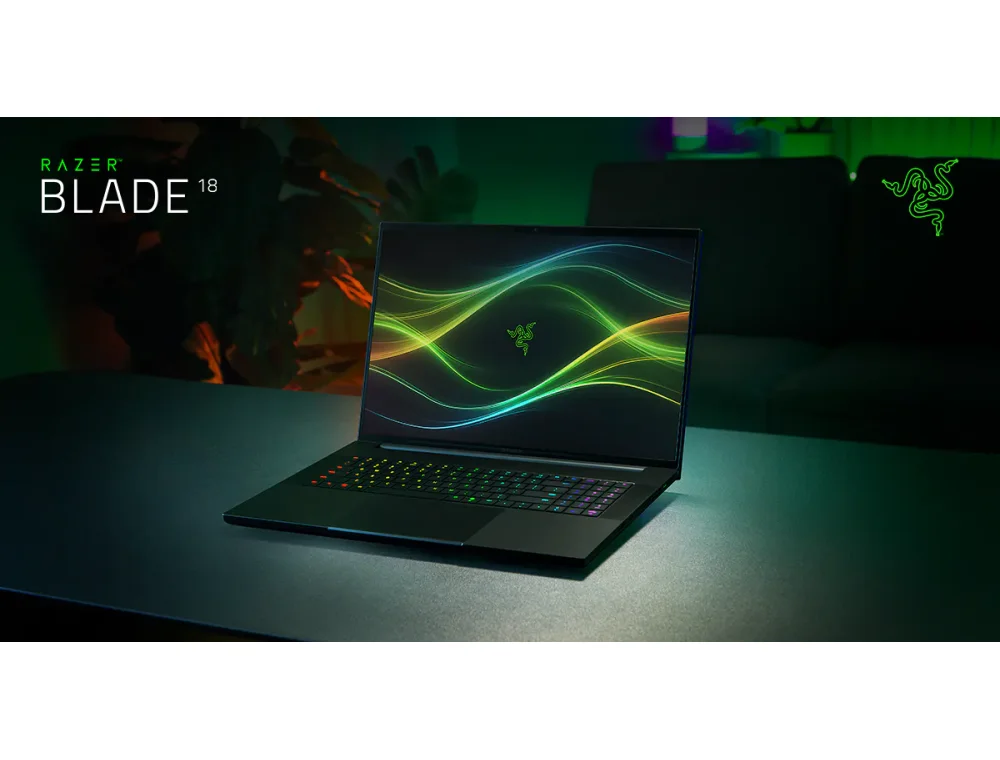
Razer Blade 18 family product image from the linked listing
Our assessmentHow we assess it
5.8/ 10
Listing scoreBased on listed specificationsNo hands-on testing
Nominal display format
18-inch family
CPU, GPU and memory vary
Choose a build
Price and availability
Check selected offer
Offer record · Price not verified
NewRazer manufacturer store · Razer
Choose configuration at Razer (opens in a new tab)

Recorded offer status: Choose a configuration. Confirm the current offer directly with the retailer.

The largest desk-focused format

The Blade 18 is the family to investigate when physical screen space is the priority. Account for the full laptop and charger weight before choosing it for frequent travel. A larger chassis may offer different hardware choices, but performance claims require evidence for the specific configuration.

The largest nominal display gives the clearest reason to consider this family over the smaller two.

How we assess this listing

The Blade 18 family page identifies the largest screen format in this comparison, giving it a clear research purpose for a desk-focused setup. Its usefulness is more conditional when frequent travel matters, since the actual laptop and charger dimensions and weight are not fixed here. This score concerns the listing as a starting point. An exact selected configuration, availability and price are required for a meaningful buying recommendation.

This is an editorial assessment of the published specification and offer information recorded November 4, 2026. Missing prices, availability or configuration details limit the assessment; confirm the exact purchasable item before using this score to make a decision. We have not tested this product.

Configuration and purchasing details
Configuration shown
Family
Razer Blade 18 family
Screen format
18-inch family, check selected panel
Processor & graphics
Vary by selected model year and SKU
Memory & storage
Vary by selected configuration
Observed item price
No fixed offer price recorded
Buying status
Choose an exact available configuration
Purchasing details
Listed seller
Razer manufacturer store
Condition
New
Availability & delivery
Choose a configuration
Shipping & tax
Confirm at checkout
Returns & warranty
Check the selected seller's terms

Confirm the selected product, compatibility, seller and final total before ordering.

Offer information recorded Nov 4, 2026: Razer listing (opens in a new tab). Prices, condition and availability may have changed.

Back to the comparison

BEFORE YOU BUY

Choose the chassis.
Verify the generation.

These are manufacturer family pages rather than three fixed-price retailer configurations.

AI-generated editorial image for Razer Blade 14, 16 and 18 laptop families
AI-generated editorial image. Product appearance and specifications should be checked against the actual listing.

Record the selected SKU

The family page can mix starting specifications, maximum capabilities and several generations. Record the model year, full SKU, GPU, memory and panel of the configuration you intend to buy.

Separate portability from diagonal

Check actual laptop and charger weight, thickness and bag dimensions. A smaller display suggests a different format but does not establish battery life or comfort on your commute.

Check graphics at the intended power

The same GPU name can operate differently across chassis. Compare exact-model results and power settings. Manufacturer maximum claims are not our measured performance results.

Set a total budget

Configuration choices can change the price substantially. Compare our gaming guide under $1,500 to understand the premium before committing to a Blade.

OUR APPROACH

How our scores work

A score for the listed product and the needs covered by this guide.

We consider the documented product family, intended use and how much exact configuration and offer information is available. Each product's assessment explains the reasons for its score and the details still needing confirmation.

Scores in the 8s indicate a strong fit on paper within the shortlist. Scores in the 7s reflect meaningful compromises; lower scores flag narrower use cases, weaker value or substantial uncertainty. Scores depend on the guide's purpose and the selected offer, so the same product may score differently in another comparison.

These are editorial judgments based on published information. We have not performed hands-on testing. Offer information was recorded November 4, 2026; current price, seller, condition and availability must be checked.

COMMON QUESTIONS

The details
worth checking.

Are these three fixed configurations?

No. Each link opens a Razer family page where current configurations and availability can change. Select an exact model year and SKU before comparing prices. We do not combine maximum specifications into an imaginary single offer.

Which Blade should I start with?

Start with the Blade 16 as the middle-size comparison, then consider the 14 for a smaller format or 18 for more physical screen space. Check actual dimensions, charger weight and the hardware available in your region.

Does every Blade 14 have the same graphics card?

No family-wide assumption is appropriate. The manufacturer page can list several configurations and generations. Confirm the selected GPU, memory and display before ordering, and match any performance evidence to that exact configuration rather than the family name.

Is USB-C charging enough for gaming?

USB-C charging capability does not establish full gaming power. Check the exact model power requirements and supplied adapter. A lower-power travel charger may suit light use while the original power supply is needed for demanding workloads.

Why are there no fixed prices in this comparison?

The supplied links are configuration-selecting manufacturer pages. A single price could describe a different model or an unavailable variant. Open the current selection and compare the final hardware, stock status and total cost before deciding.

Can I upgrade memory and storage later?

Check the service information for the exact model year and SKU. Upgrade options differ between designs and generations. Do not apply a Blade 18 storage claim to a Blade 14 or assume all memory is replaceable.

A PLACE TO START

Razer Blade 16 family

6.2/10Middle-size family starting point

Use the Blade 16 as a middle-size starting point. Choose the 14 or 18 for a defined size preference, then verify the exact hardware, availability and price on Razer. This is a family comparison, not a fixed-offer ranking.

Review the option
Razer Blade 16 family